
Pikachu Modeling Timelapse
A timelapse of the modeling of Pikachu for latest Pokemon wallpaper by Colorbleed Studios.


Create Edge Maps in Zbrush

In this video Jose Alves da Silva shows how to create an edge map in ZBrush that can be used as a mask for roughing edges on materials.
Zbrush: Rigid Surface Speed Sculpt
In this demonstration Jeremy Baldwin shows how to sculpt rigid surfaces in ZBrush using various freeform techniques.

Sculpting an Elephant with Isaac Oster
This tutorial is intended for artists new to Zbrush and interested in learning more about organic modeling techniques.
In this six part tutorial series, Isaac Oster breaks down the process for modeling an elephant in Zbrush. Reference images, alphas, and brushes used in this project are available at isaacoster.com/elephant_resources.rar

Mechanical death 2.0 - Making Of

Zbrush export and speed-up texturing in Photoshop by Santiago Betancur.
See Hi-res finished image on ArtStation.
Ten Minute Tentacle
A short tutorial showing off some new features of ZBrush 4 R7.
Demonstrates how to use the new ZModeler Brush and nanomesh to quickly add suction cups to a tentacle mesh.


Rock Sculpting Tutorial
Workflow for 3D Modeling in 3DCoat Voxels, ZBrush and Modo for Gaming and Film VFX.

ZBrush tips: Creating clean extrusions using masking
An easy workflow for creating extruded geometry using masking, poly groups, goups loops, transpose, and zmodeler.


ZBrush Architectural Design
Modeling scyscraper and rendering with ZBrush to KeyShot Bridge.
This tutorial series gets things started with the ZModeler Brush and NanoMesh to create a building base. Use NanoMesh’s random, variation, offset, and rotation sliders to create a unique skyscraper look.
Now that you have your base building model ready after watching Part 1, let’s modify your base model more with the ZModeler Brush.
Start this lesson with an introduction to Surface Noise, this will be used later to add more detail to your building. ZModeler is used again to create separate assets for Alpha creation.
Now that you’ve created tileable assets from Part 3’s lesson, let’s create Alphas with help from the 2.5D features.
Using the Alphas created in the previous lesson, it’s time to apply them using Surface Noise. This technique adds detail to your skyscraper, giving it a realistic effect when rendered.
We now have a fully modeled skyscraper building, let’s render it with the ZBrush to KeyShot Bridge!
ZBrush 4R7 Feature Nanomesh
A quick look at ZBrush's Nanomesh "particle system" and how to use it to create hand-crafted generative artwork.


Maya/Zbrush Wood carving texture tutorial
Learn how to achieve a wood carving texture panel in Maya/Zbrush.
Topics covered:
- How to model the leaves and flower
- Get a nice and clean mesh flow
- Export the mesh to zbrush
- Project mesh to a plane with the resolution ratio needed
- Adding details to edges and crevices
- Add wood detail and bumps

Houdini procedural 2014 World Cup Ball
In this video you can learn how to model 2014 World Cup Ball.
This is a Houdini tutorial inspired by Alex Cheparev's Maya version.
Making of car crash
Making car crash scene using 3ds Max and Nuke.
For English subtitles press "CC" at the bottom right corner of video frame.
KeyShot Quick Tip: Fade Animation
Learn how to quickly create a fade animation to show and hide parts or transition part opacity.
Mapping Tiles and Bricks
A time saving graph-snippet for extracting individual tiles or bricks from textures.
If you don't have time for tutorial, you can download tutorial files and use a snippet right away. What it does? The snippet is made for fast tiles extraction from textures. you just enter number of columns and rows and this little piece of code does the rest. You can also scale and offset tiles.
In this tutorial you can learn how to make the snippet. It uses multiple UVW XForm operators to separate the controls for the U and V axes. In addition, we automatically adjust the segments UVWs so that they scale to fit an individual brick to save you from having to manually adjust the UVW coordinates on the source geometry.
Mapping Tiles and Bricks from iToo Software on Vimeo.
Golaem Crowd Quickstart Tutorial
You are just 10min away to creating your first crowds.
A 10 min introduction to Golaem Crowd 4 for Maya, showing all the basics of simulating a crowd, rendering it and modifying the cache after simulation.
RealFlow 2015 : Crown daemon

Quick, rough explanation on how to use the new Crown Daemon in RealFlow 2015.
RealFlow 2015 : Crown daemon 101 from Gus S. Perez on Vimeo.
Making of big public library - Tip of the Week
Scene from Archinteriors vol. 38 inspired by Salt Lake City public library.
This scene is inspired by Salt Lake City public library. Bended roofing made of glass panels, arched wall on the right, greenery inside - there was a lot of work to do here and the building in particular wasn't easy to create. Let's see how does it look in 3ds Max. This scene can be bought separately (€50) or with Archinteriors vol. 38 collection (€120) in Evermotion Shop. The scene was created by Piotr "Joker" Mróz from Evermotion.
Click on image to enlarge 
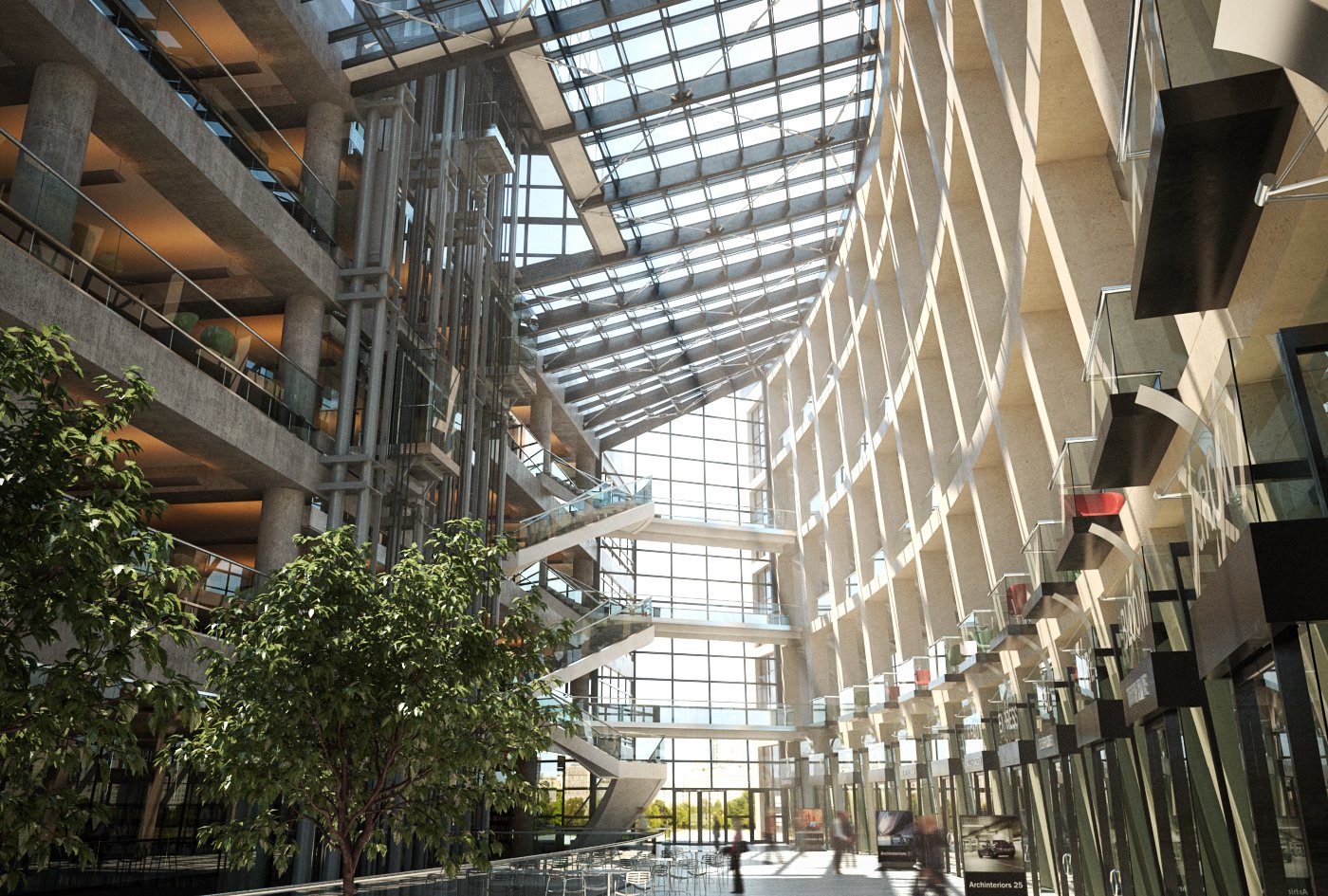
Final image after post-production in Photoshop. You can compare it with one of our references here. we used trees from Archmodels vol. 136 city trees collection.
Click on image to enlarge 
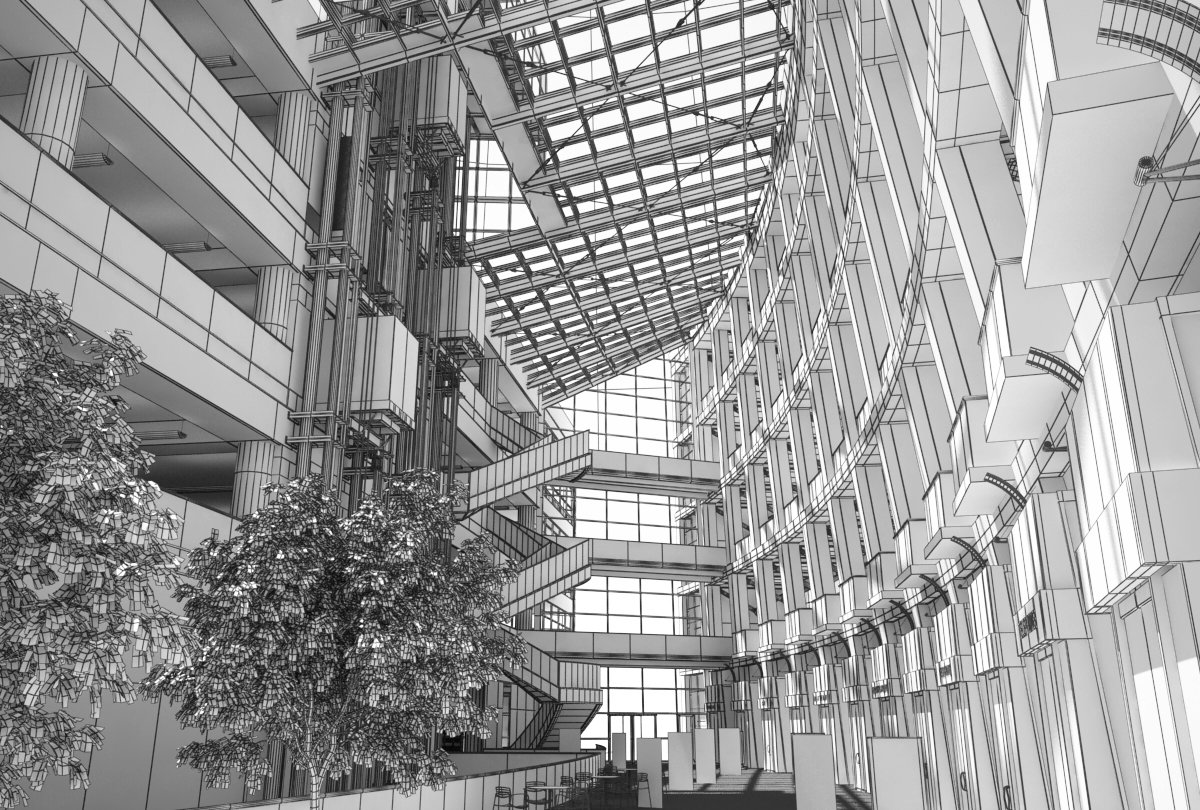
Wireframe view.
Click on image to enlarge 
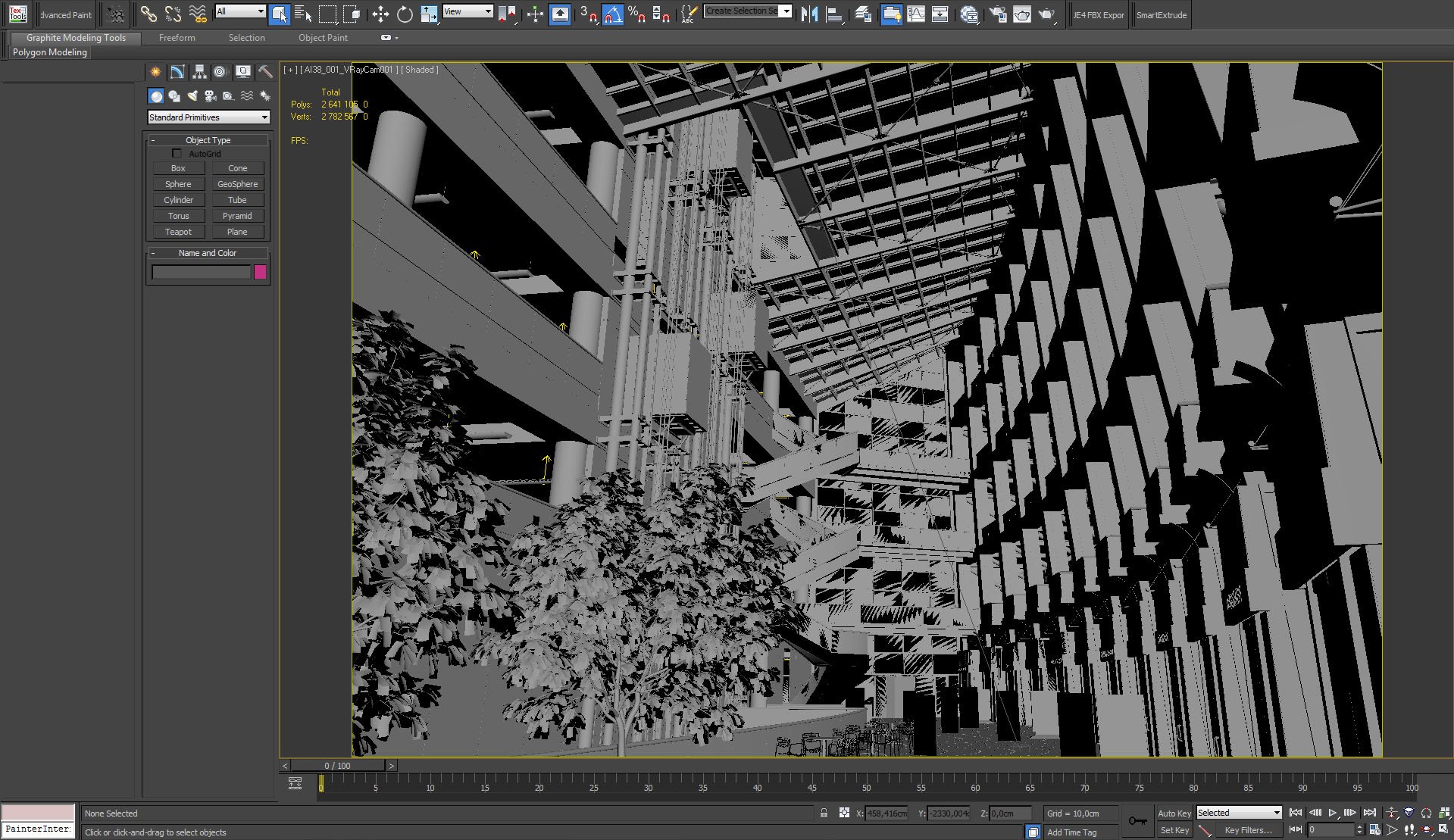
This is what you see after you open the scene in 3ds Max - view from camera placed in human, first person perspective.
Click on image to enlarge 
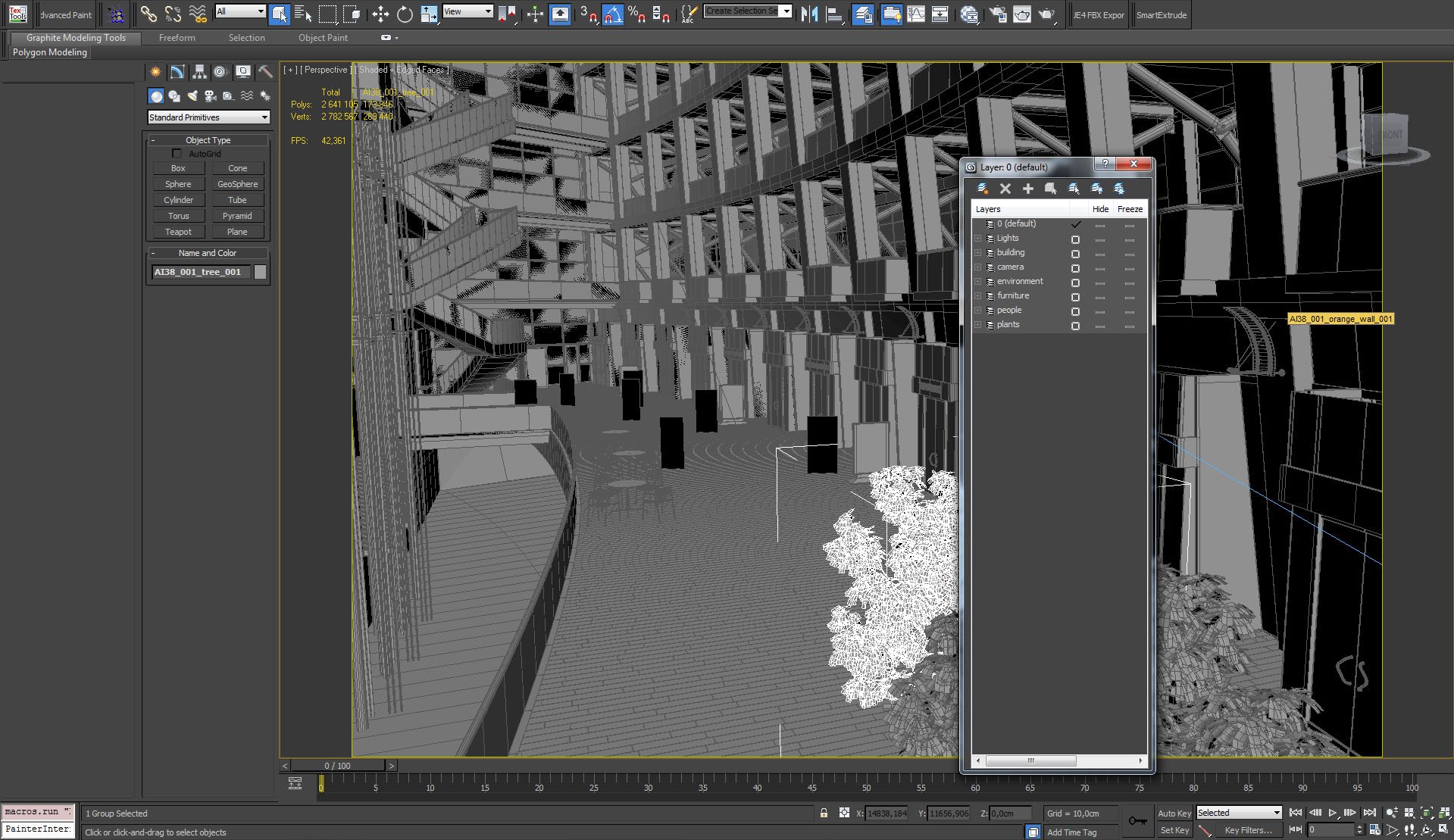
There are many elements in the scenes, so the use of layers was necesarry to improve viewport navigation.
Click on image to enlarge 
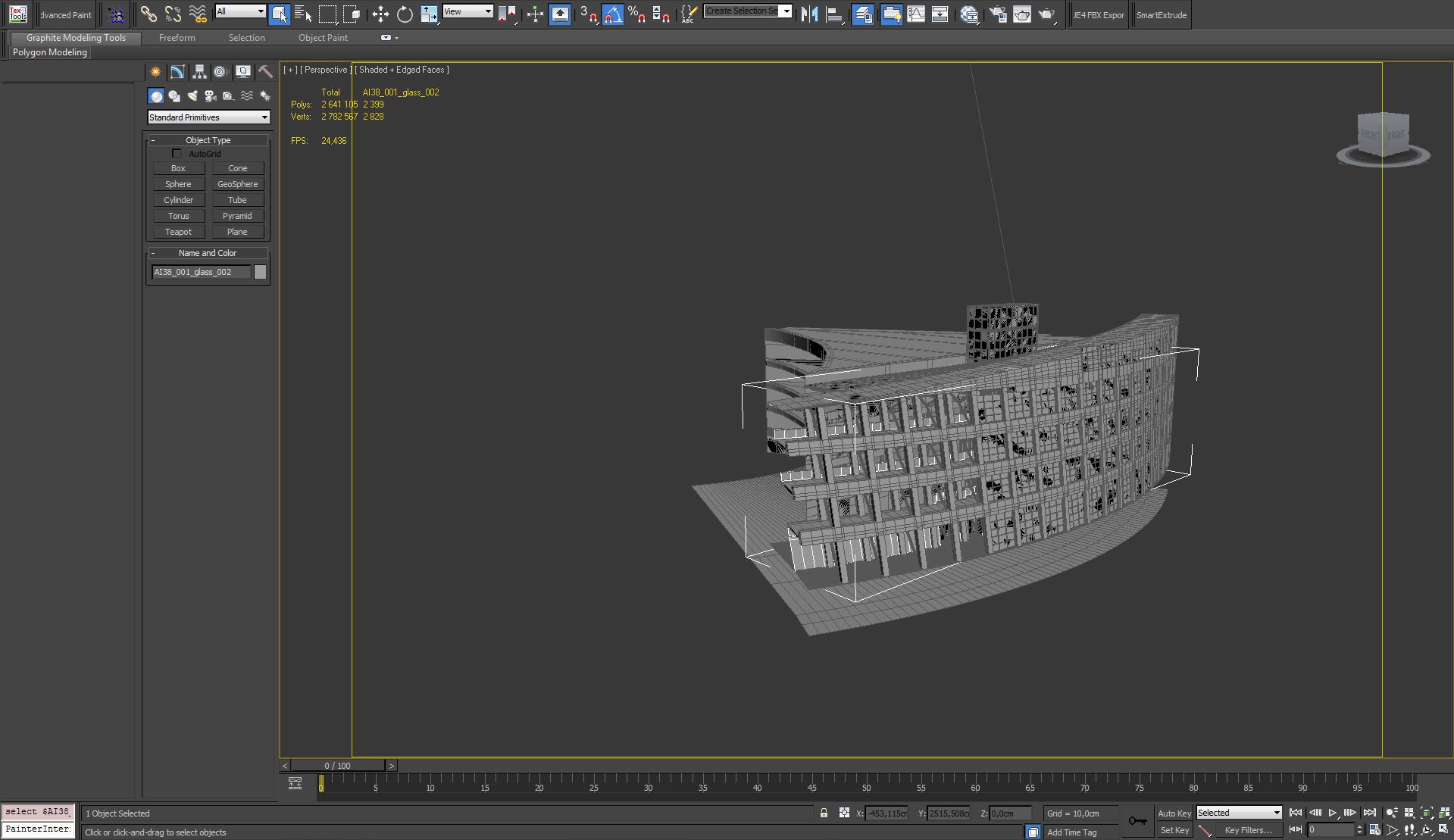
The building is quite complicated one - there are many separate elements and materials.
Click on image to enlarge 
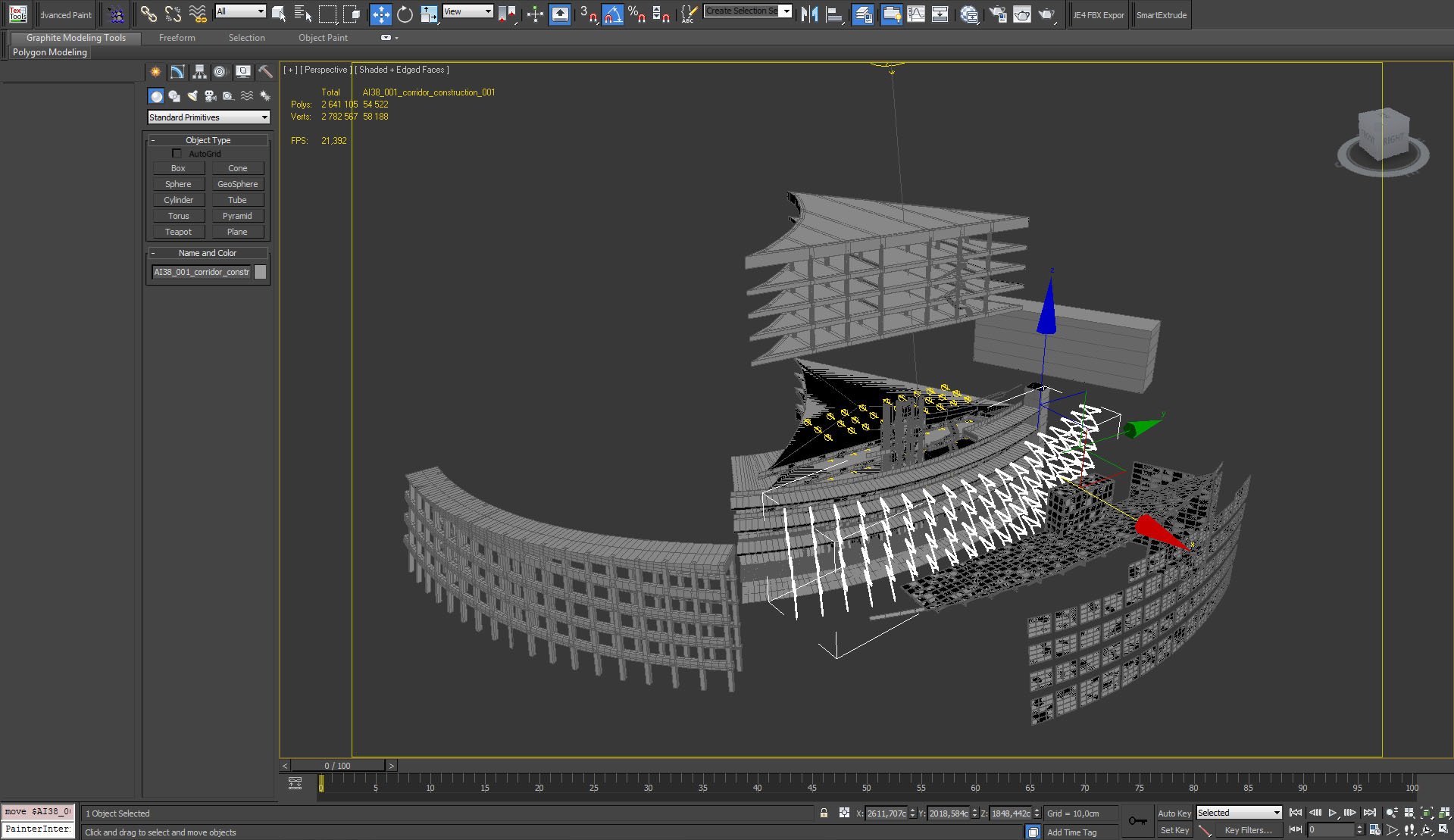
Some elements of the building - we have separate walls, windows, window frames, construction elements, floors, elevator shaft, etc.
Click on image to enlarge 
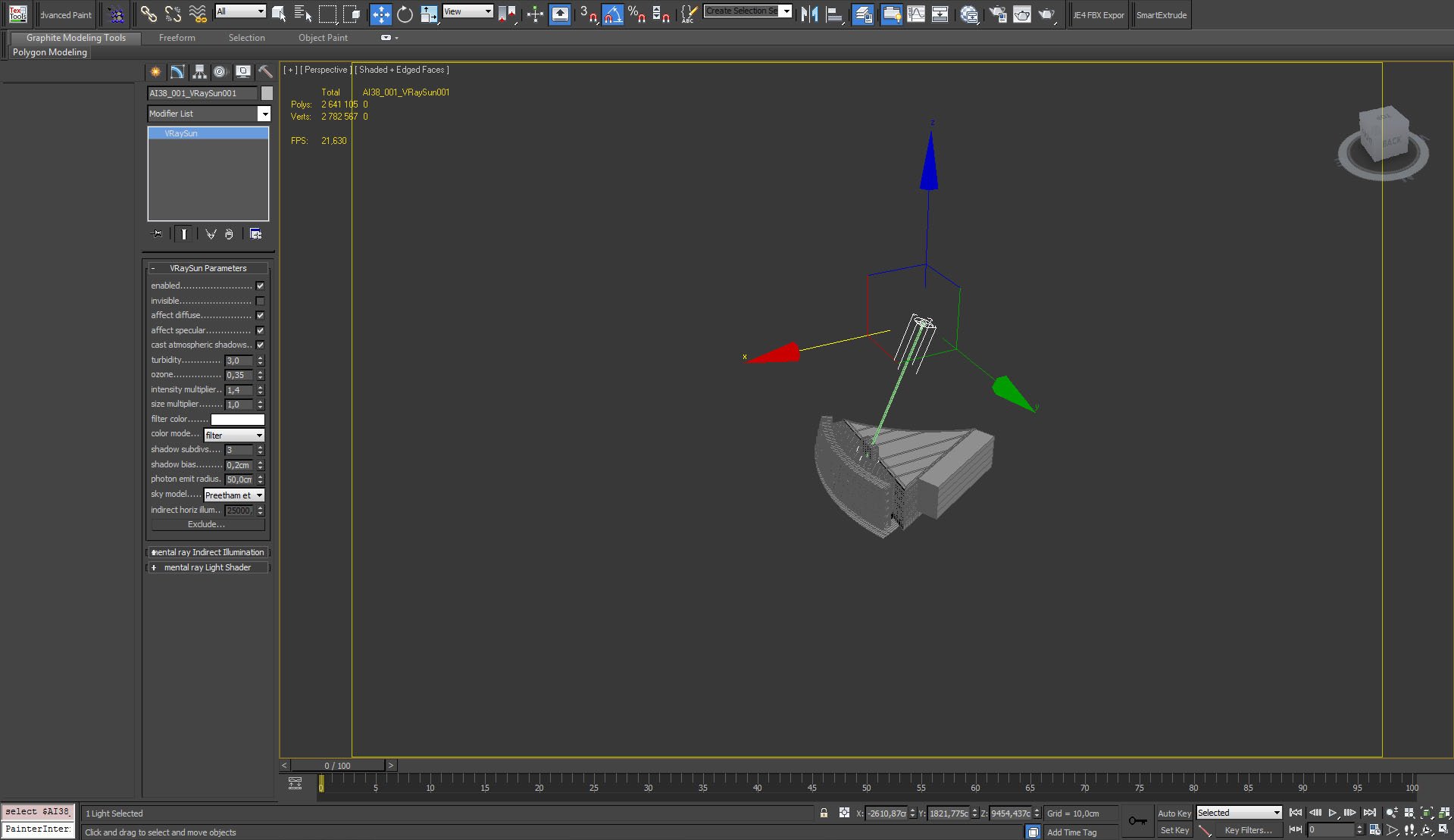
We used many interior lights and Vray Sun. Sun settings are above.
Click on image to enlarge 
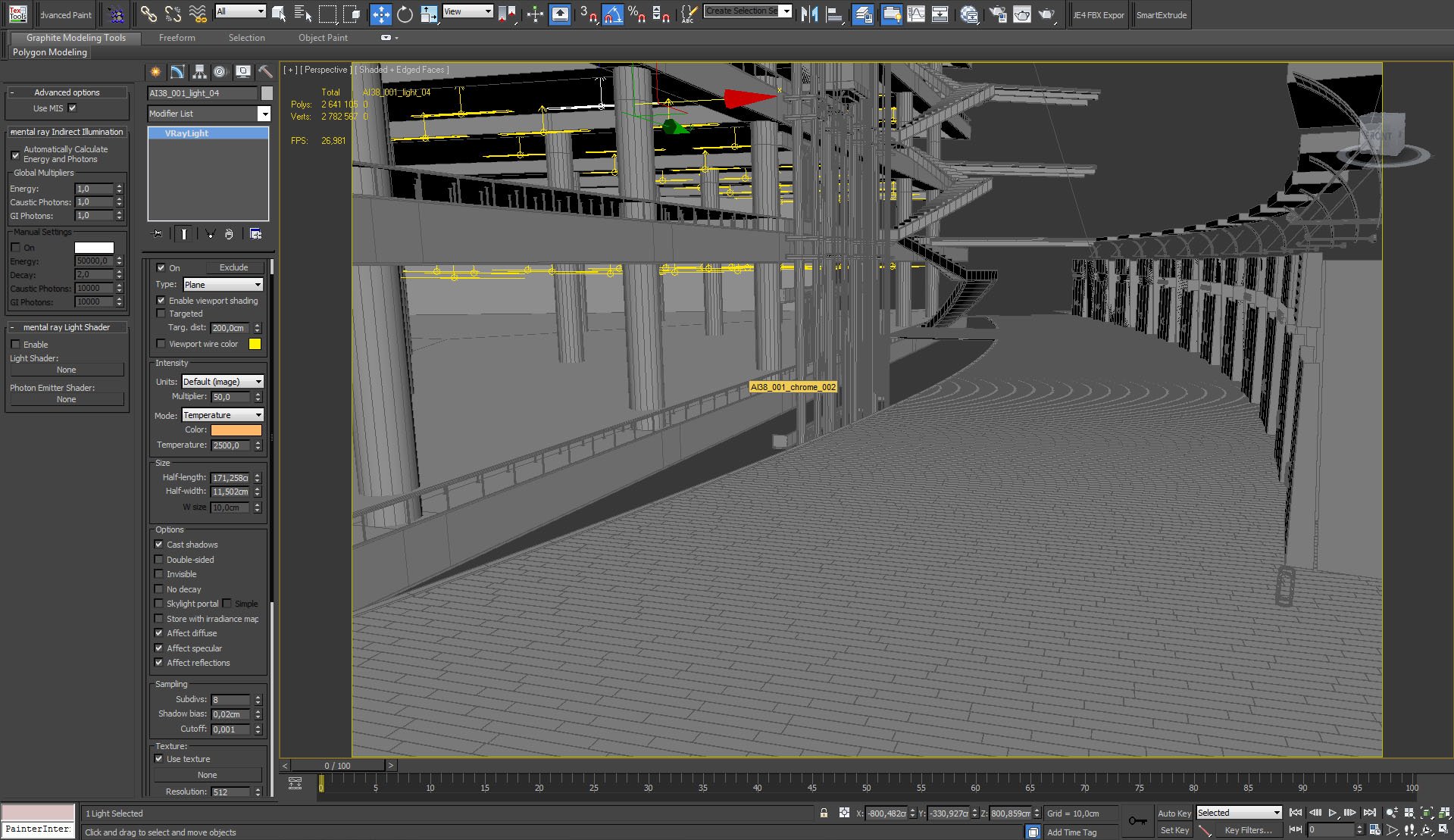
The rest of lights are placed on the left. they give this orange glow of ceiling lamps. Settings above.
Click on image to enlarge 
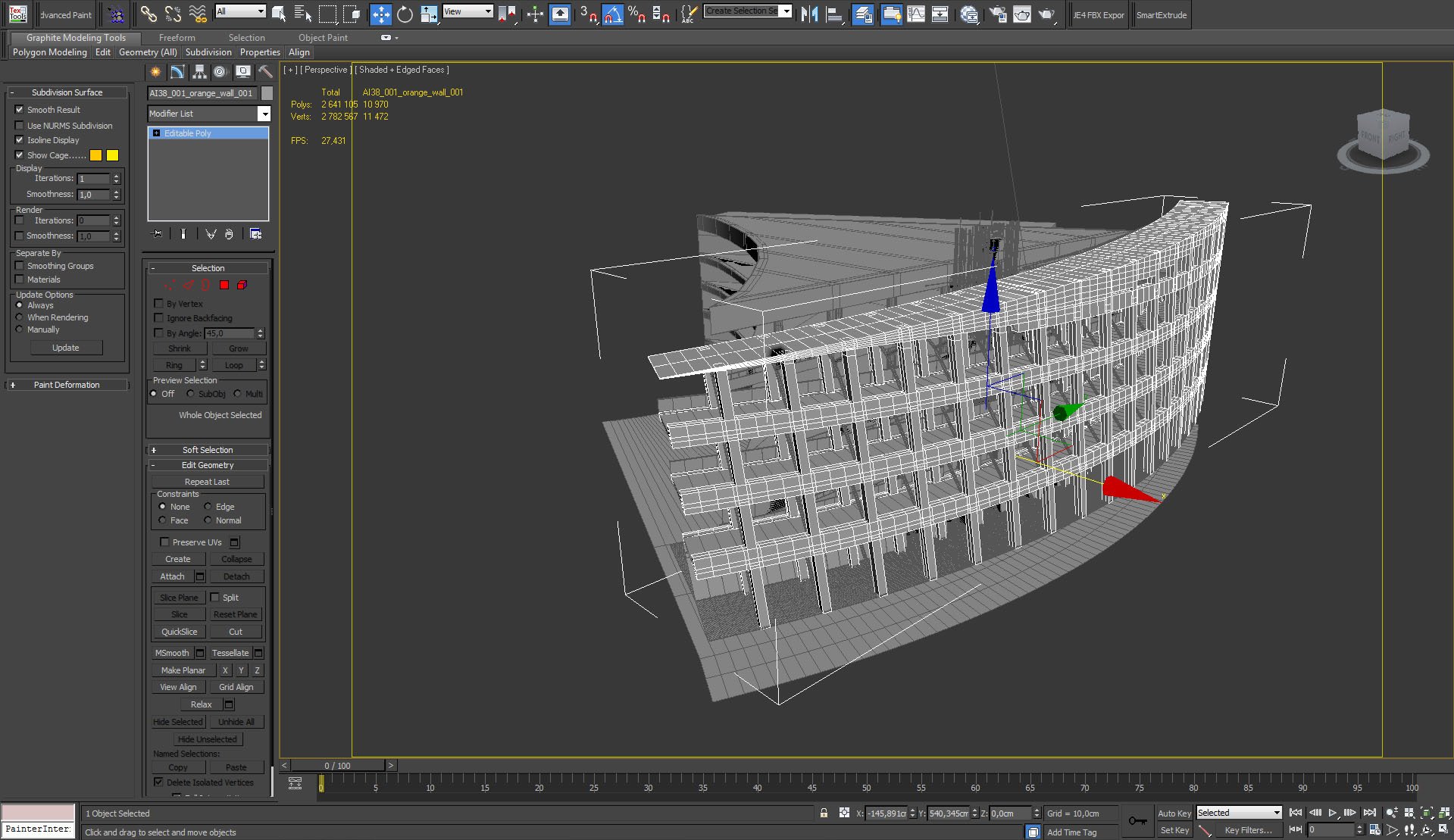
Arched walls and floors - outside view.
Click on image to enlarge 
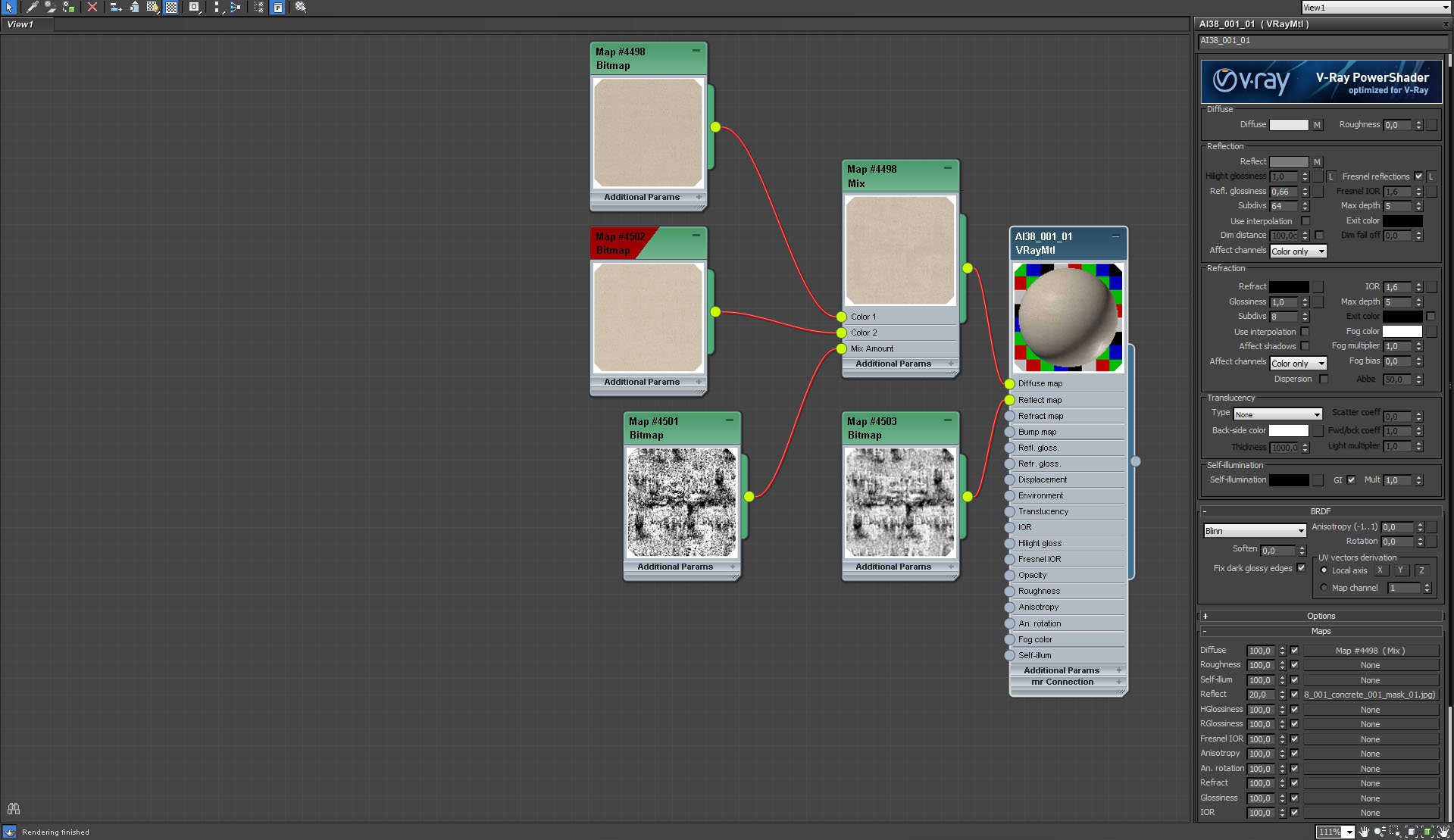
Walls material
Click on image to enlarge 

Walls material, continued
Click on image to enlarge 
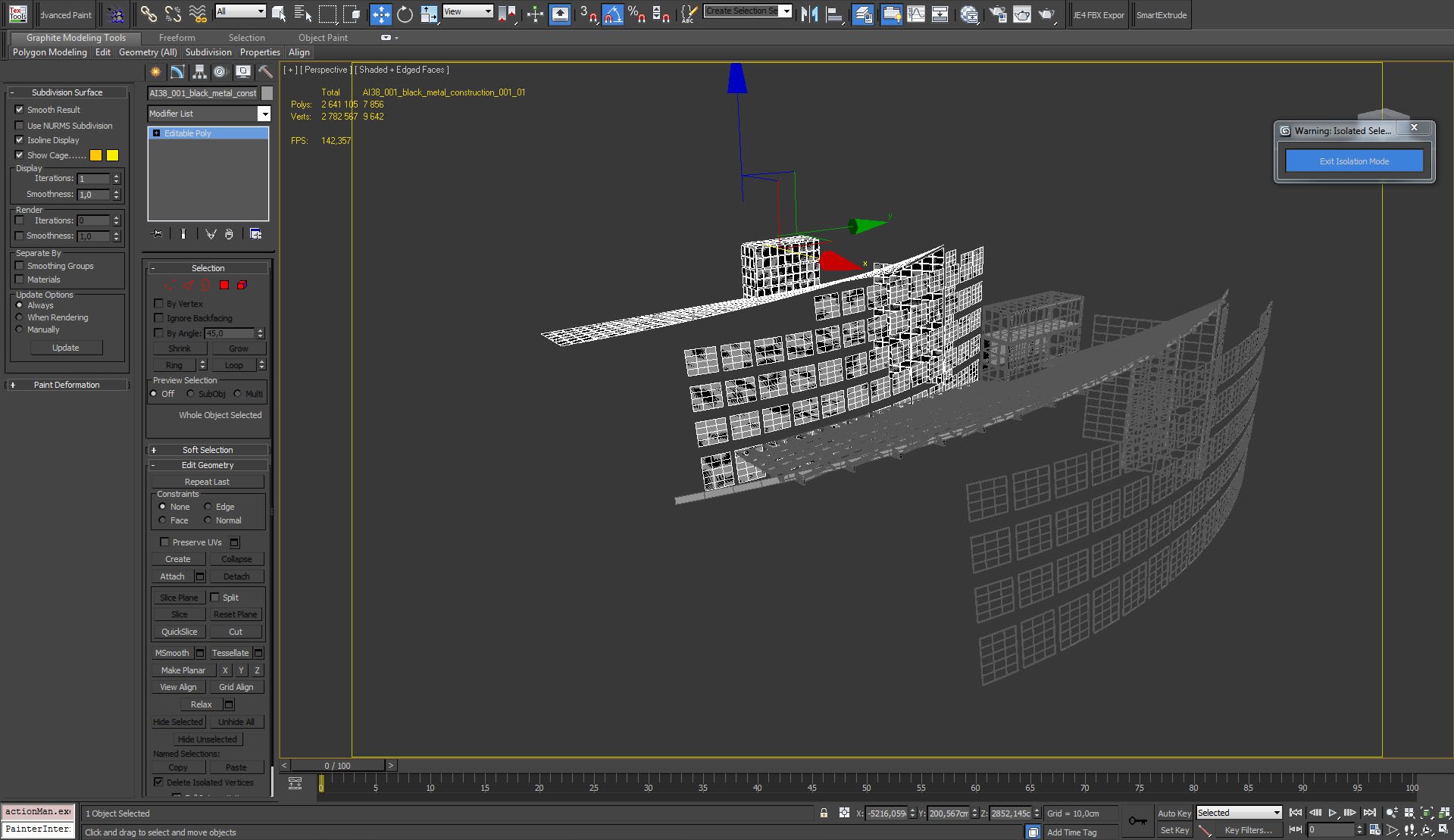
Glass walls and roofing ensure that interior is properly lit during daytime. We modeled windows and separated them from frames.
Click on image to enlarge 
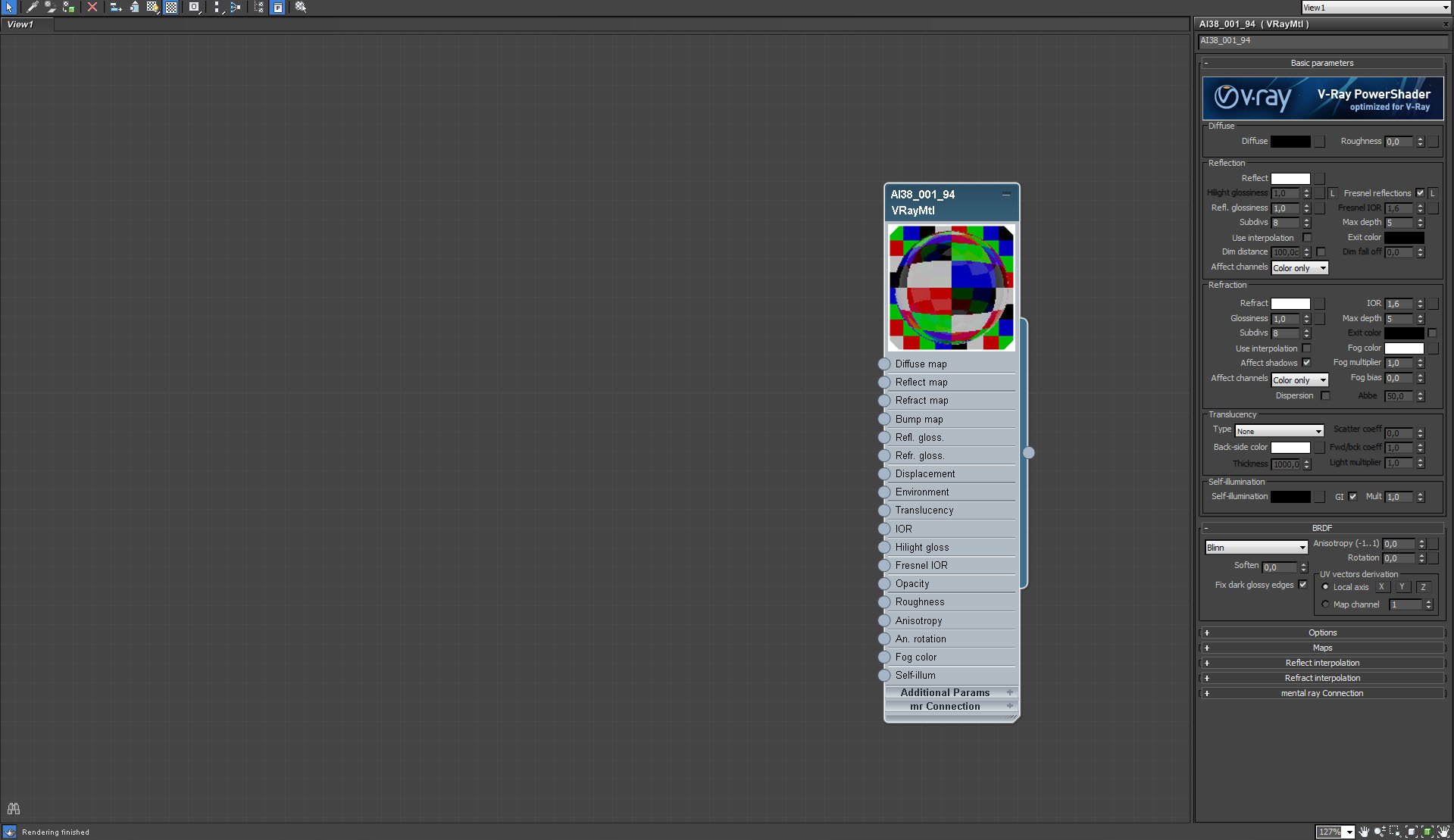
Window glass material
Click on image to enlarge 
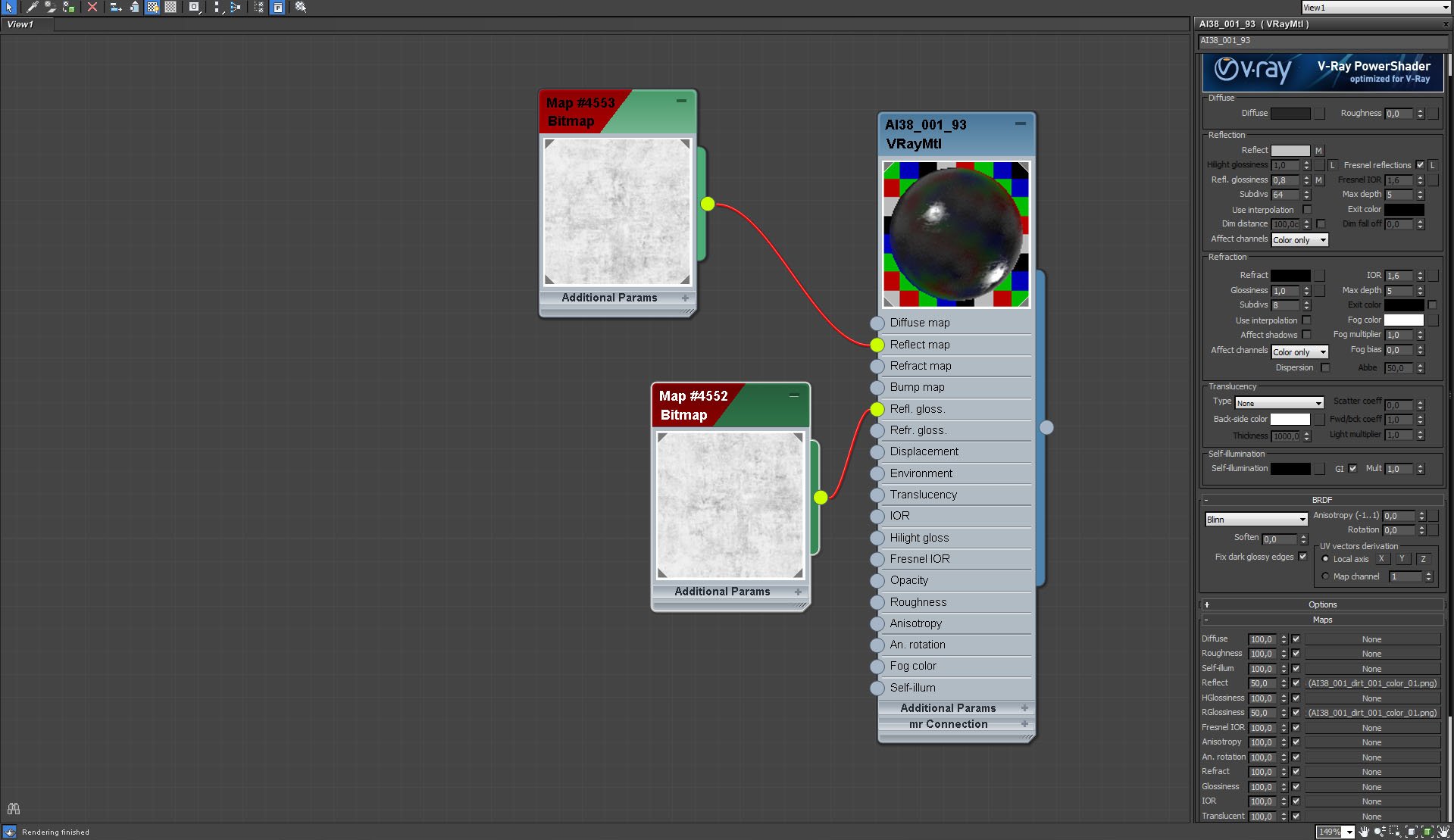
Window frames material.
Click on image to enlarge 
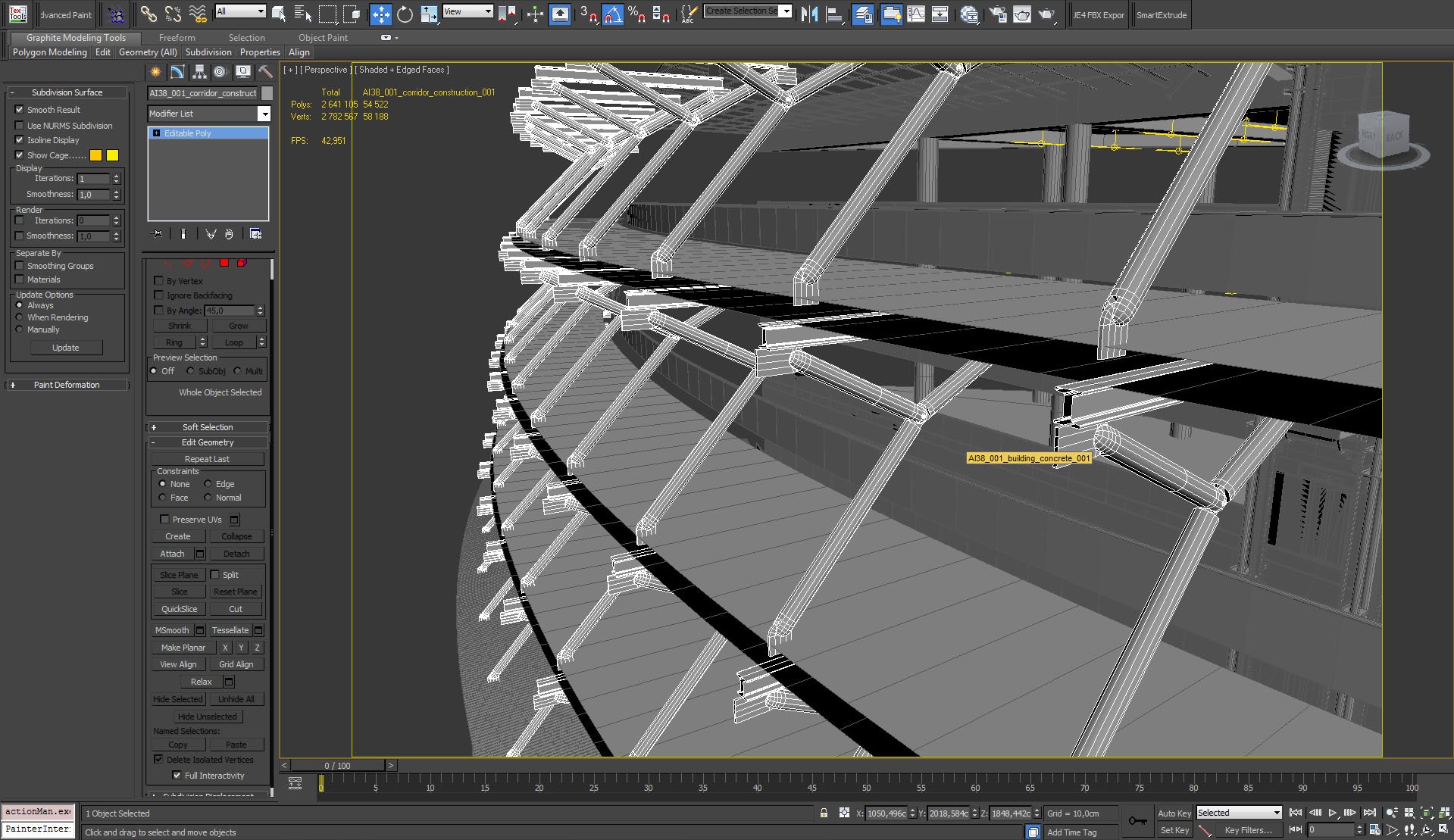
for greater realism we added contruction elements in the building. they are not visible on the final image though.
Click on image to enlarge 
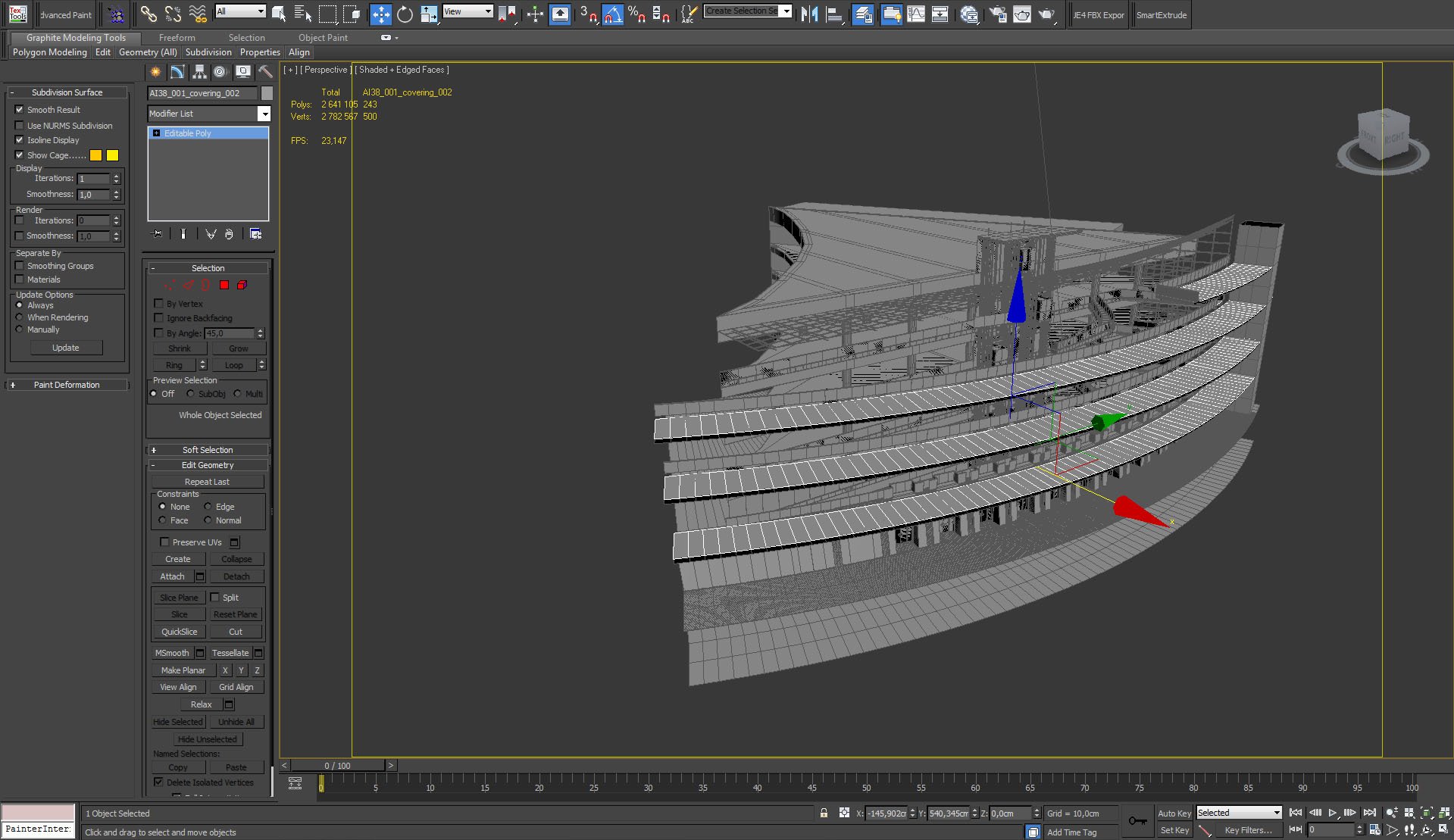
Floors.
Click on image to enlarge 
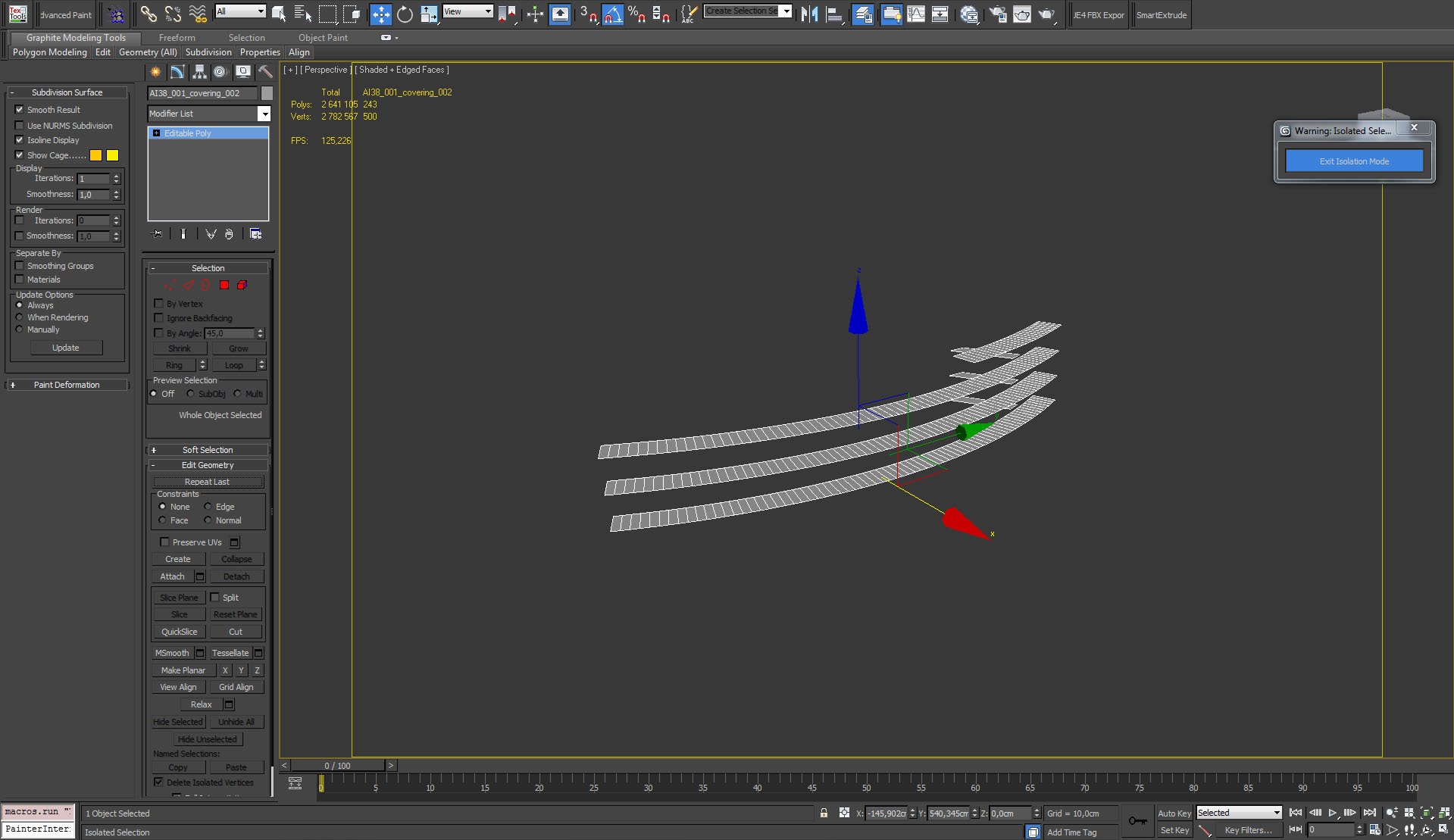
Floors (isolated)
Click on image to enlarge 
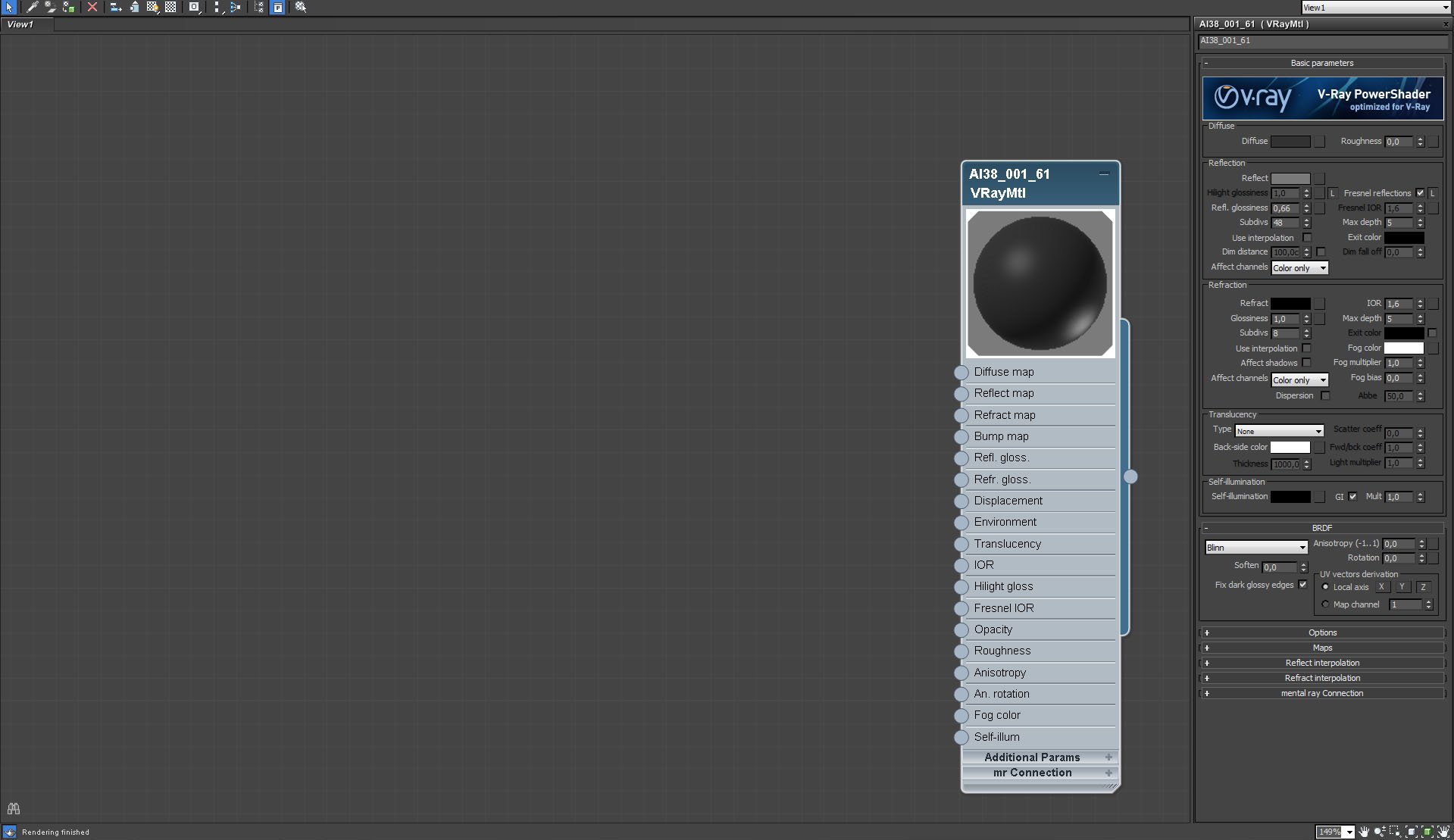
Floors material.
Click on image to enlarge 
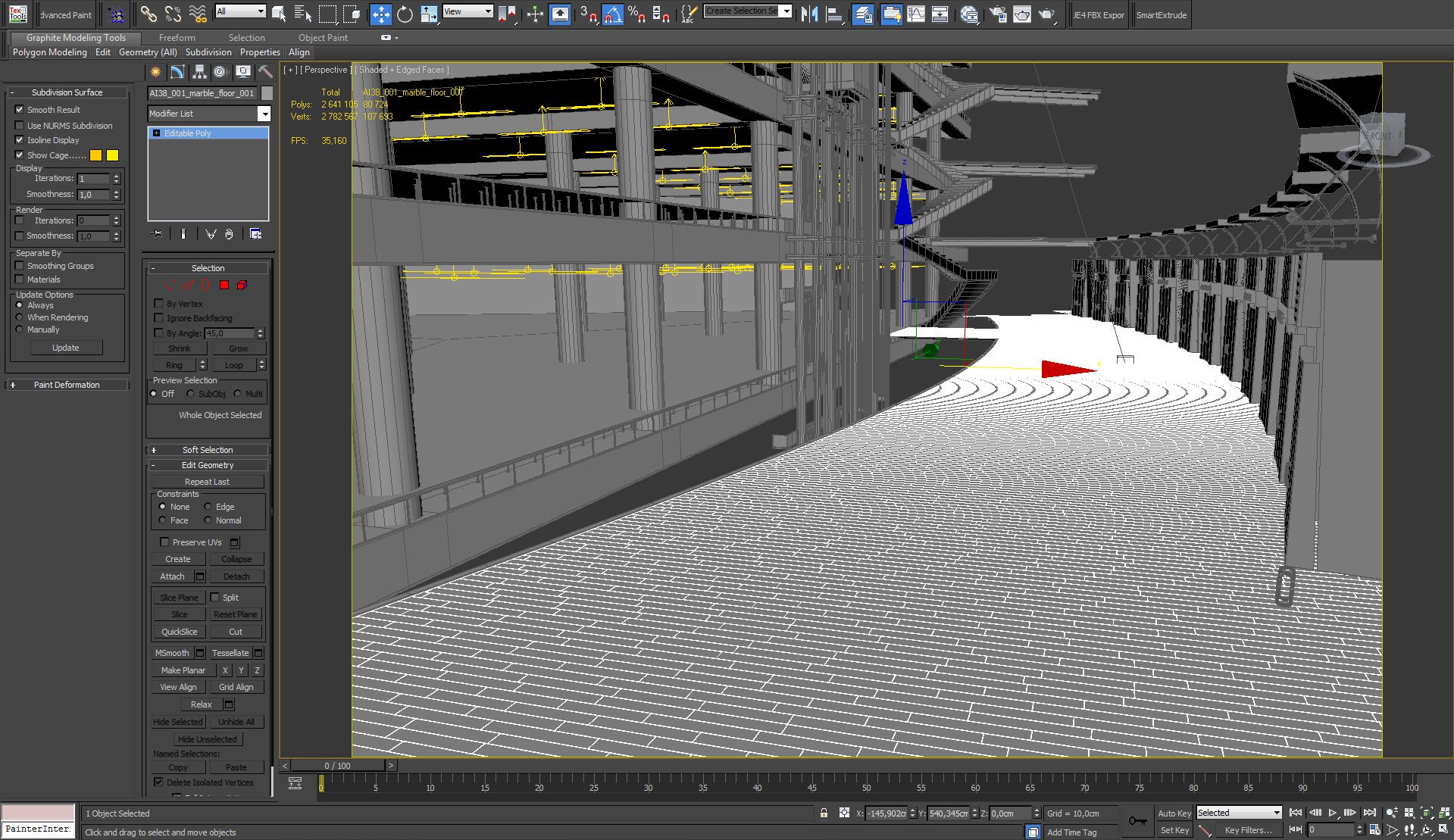
Main floor
Click on image to enlarge 
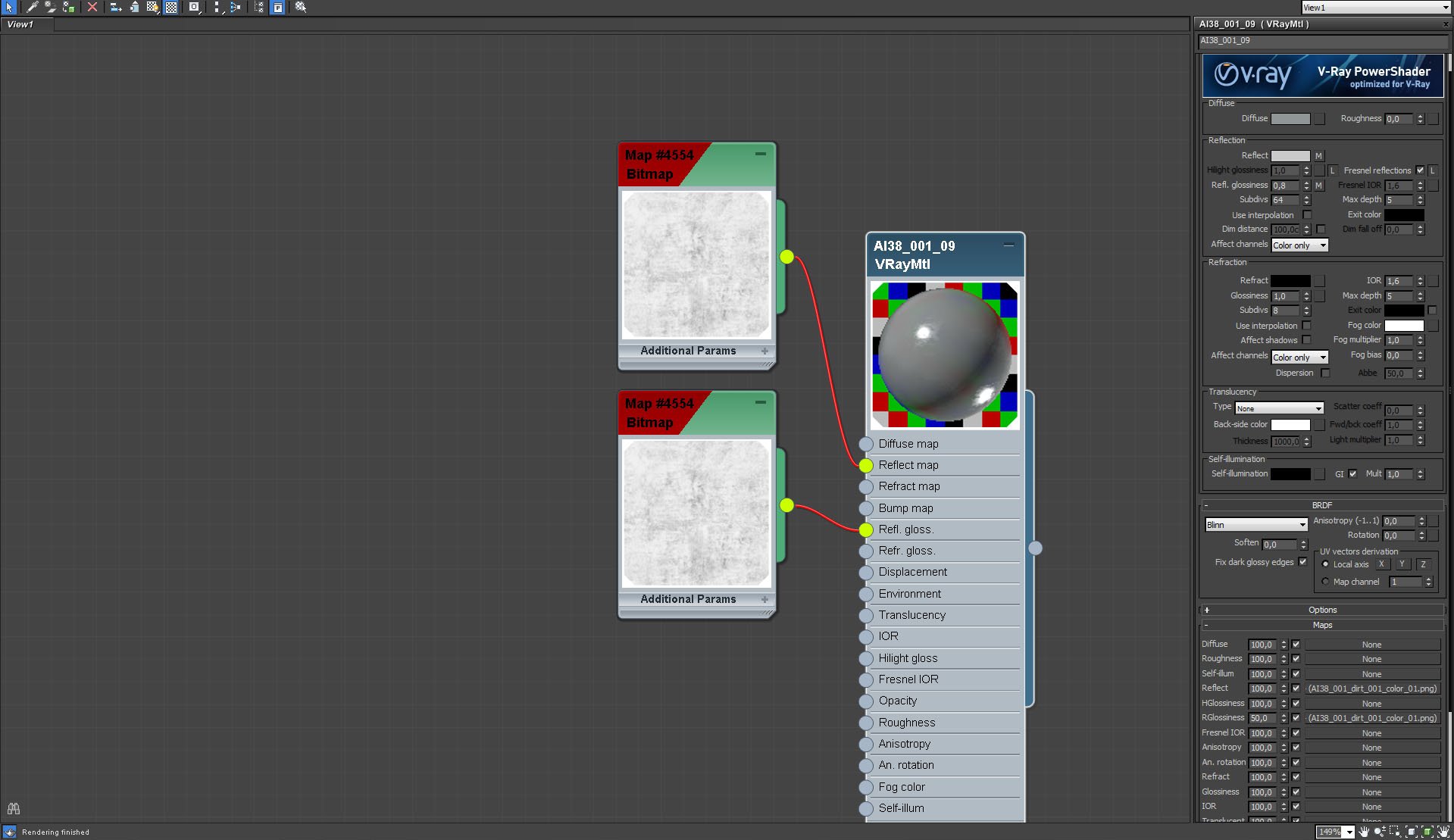
Main floor material.
Click on image to enlarge 
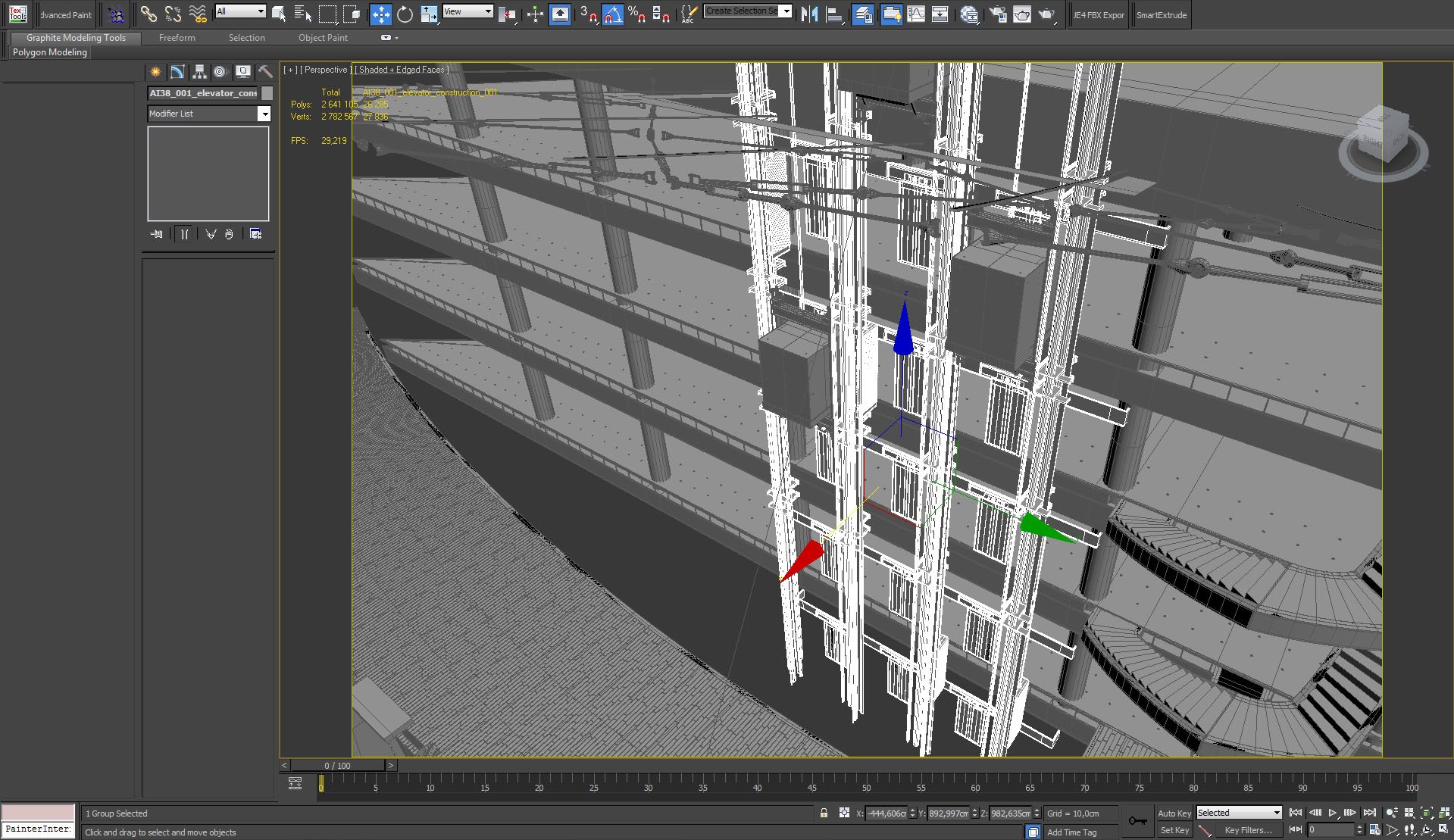
Elevator.
Click on image to enlarge 
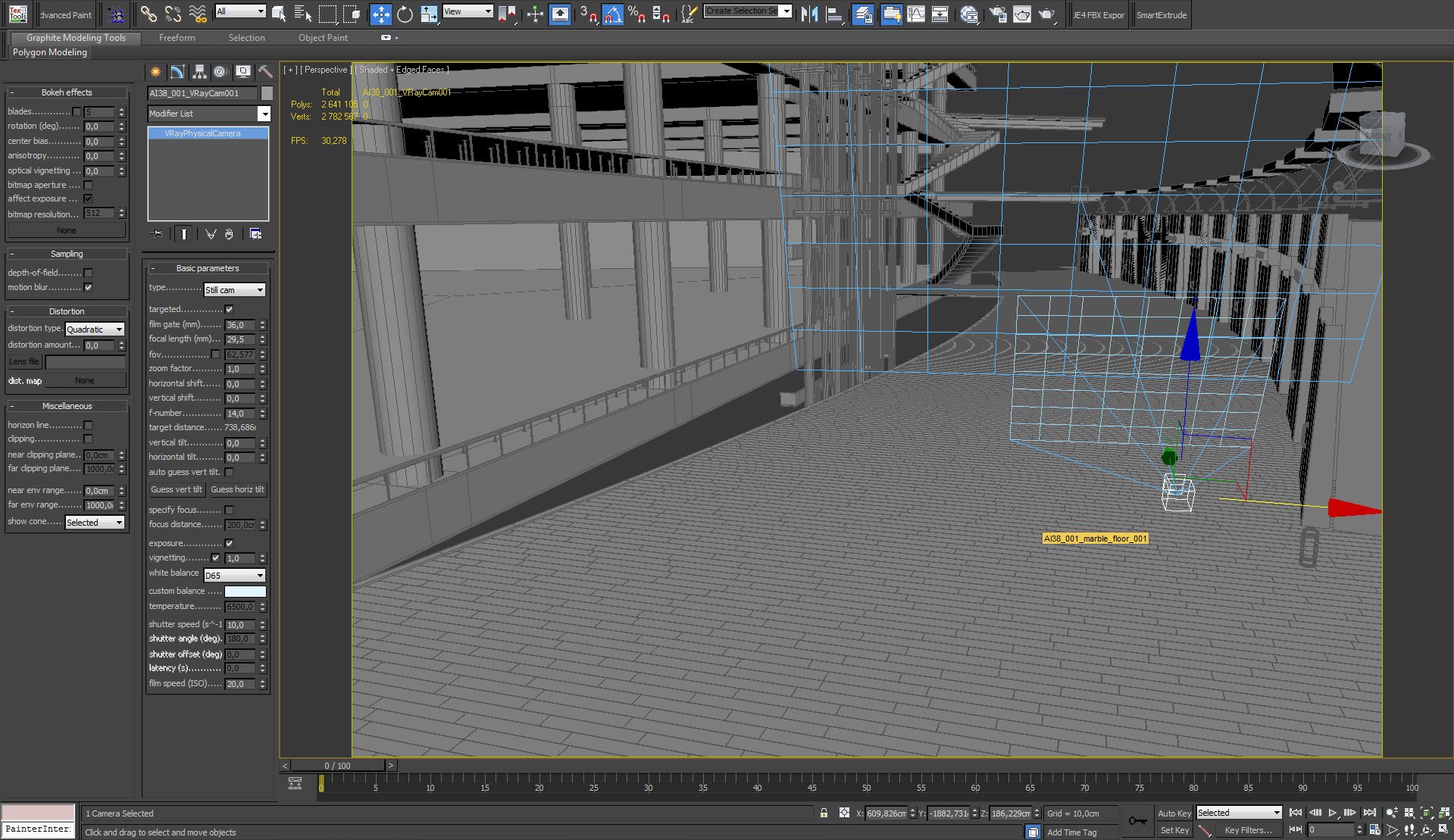
VRay Camera settings.
Click on image to enlarge 
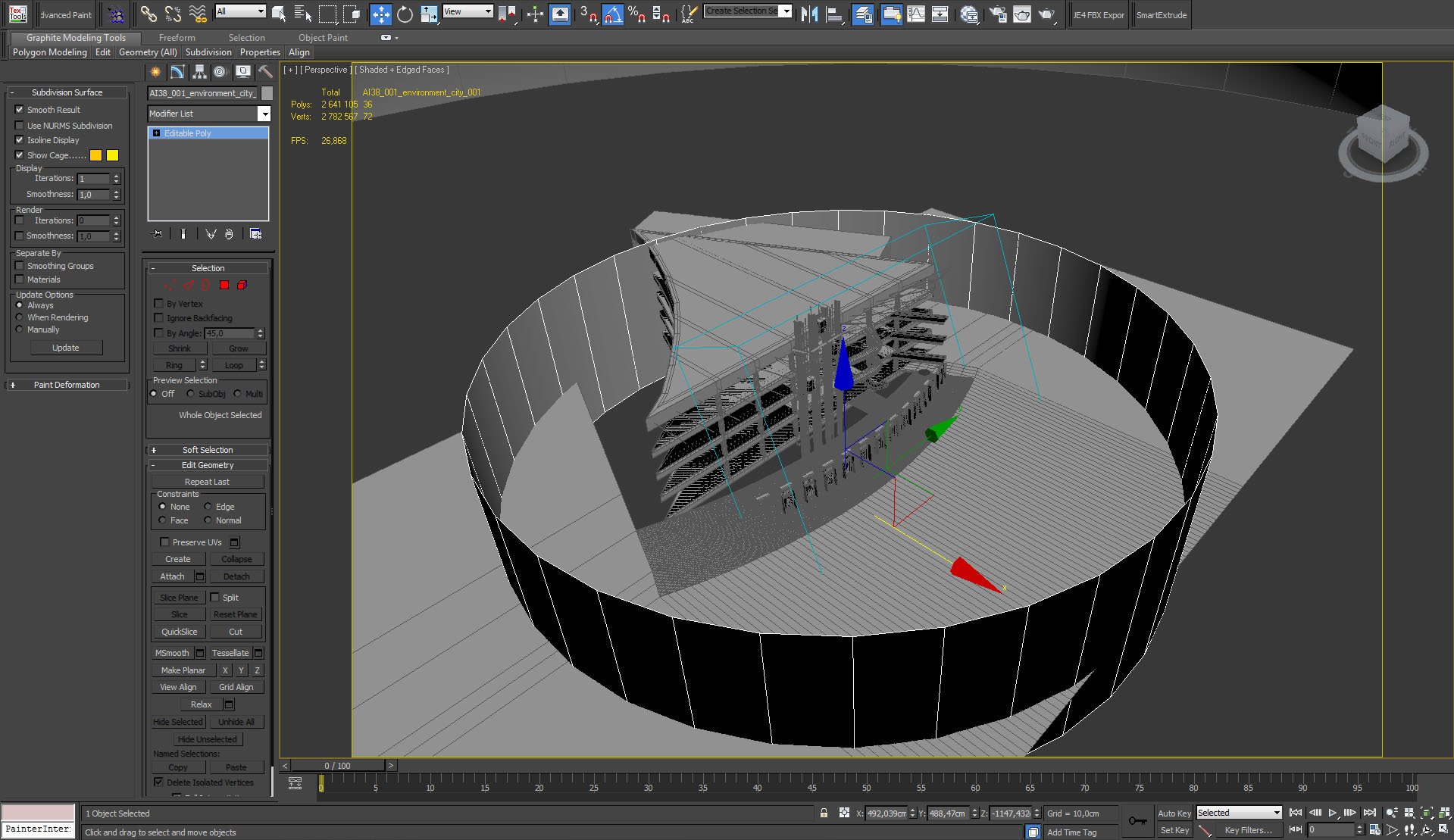
We placed a cylinder with environment map outside the building.
Click on image to enlarge 
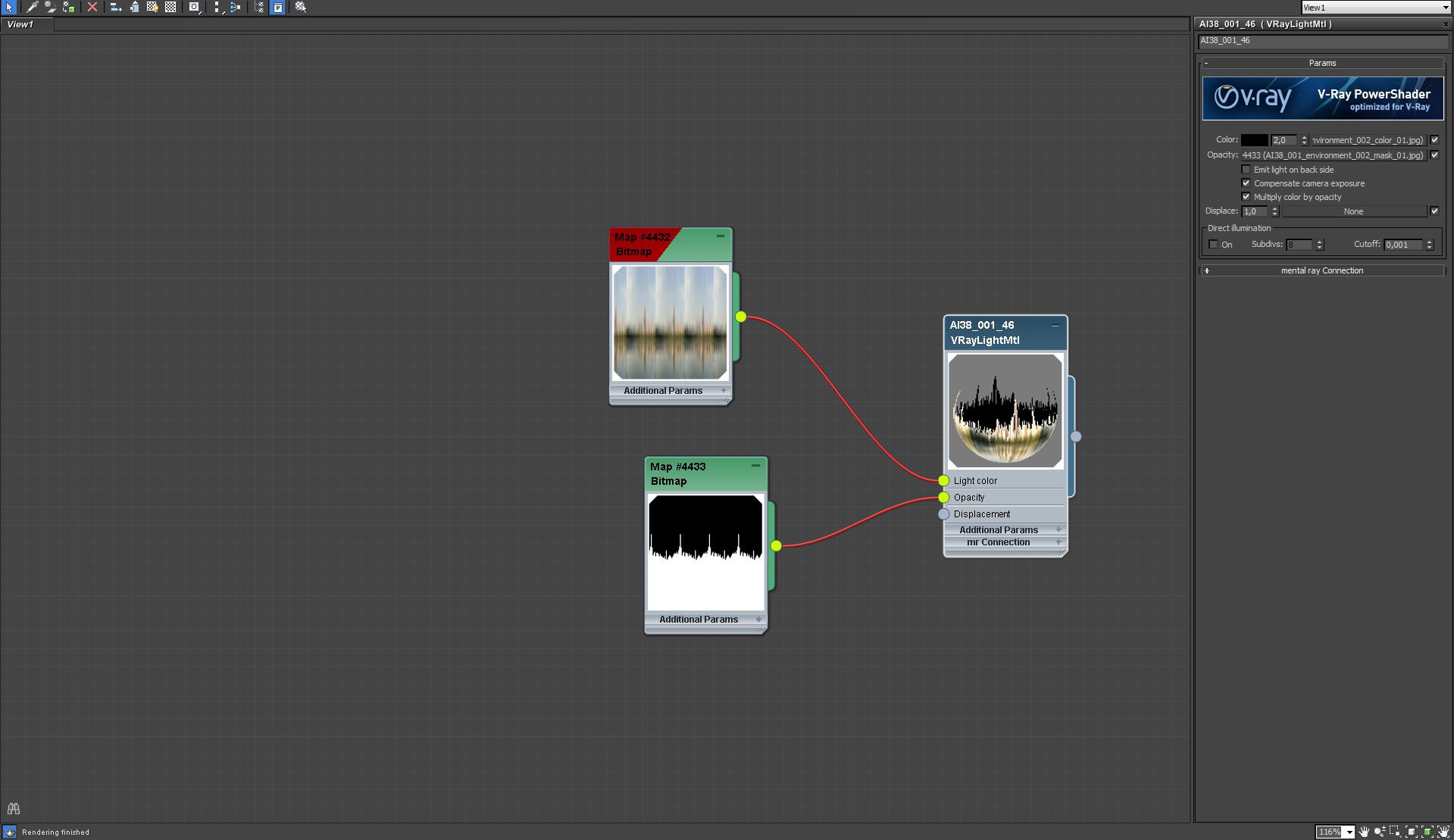
Outside map settings
Click on image to enlarge 
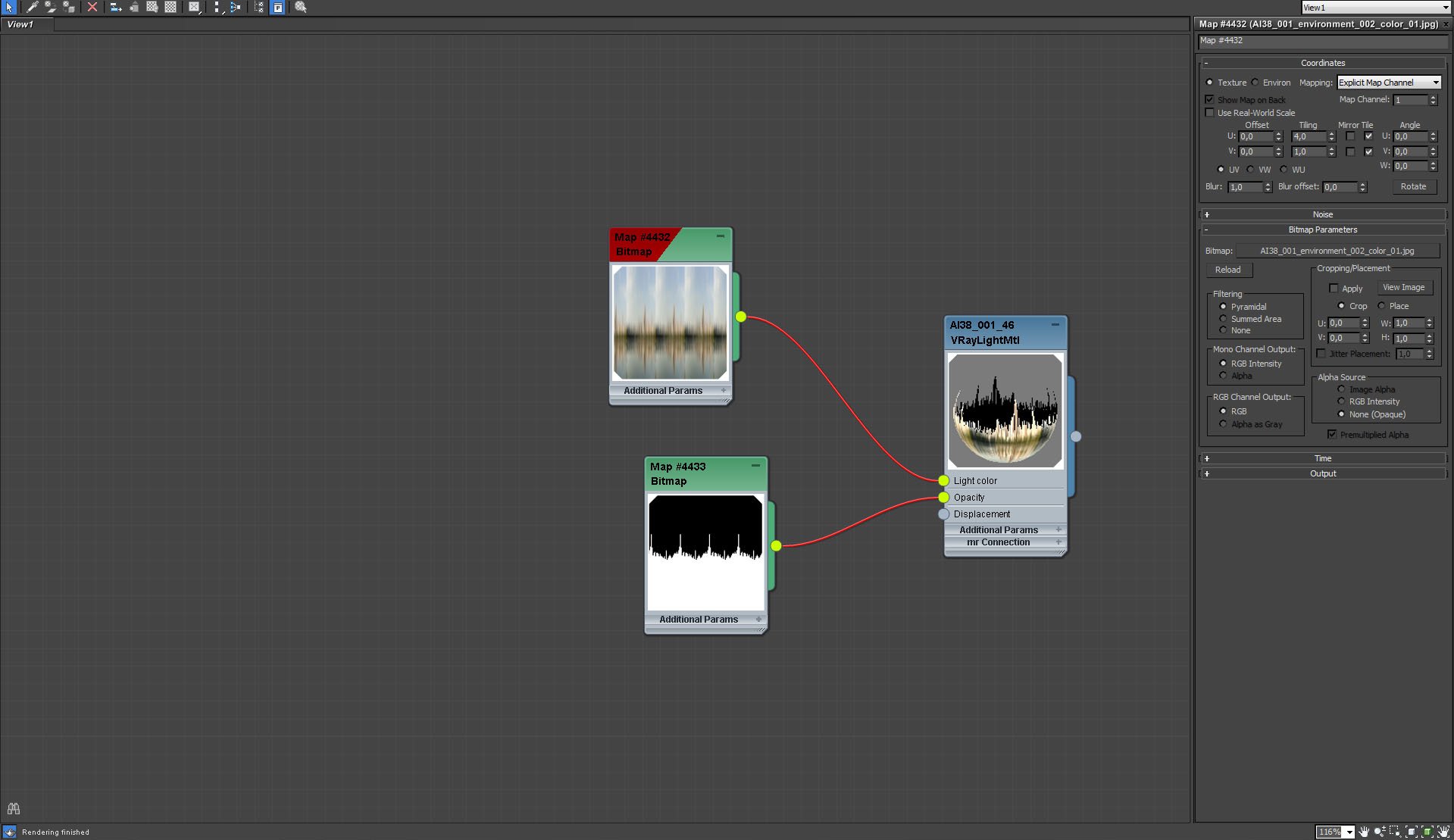
Outside map settings, continued
Click on image to enlarge 
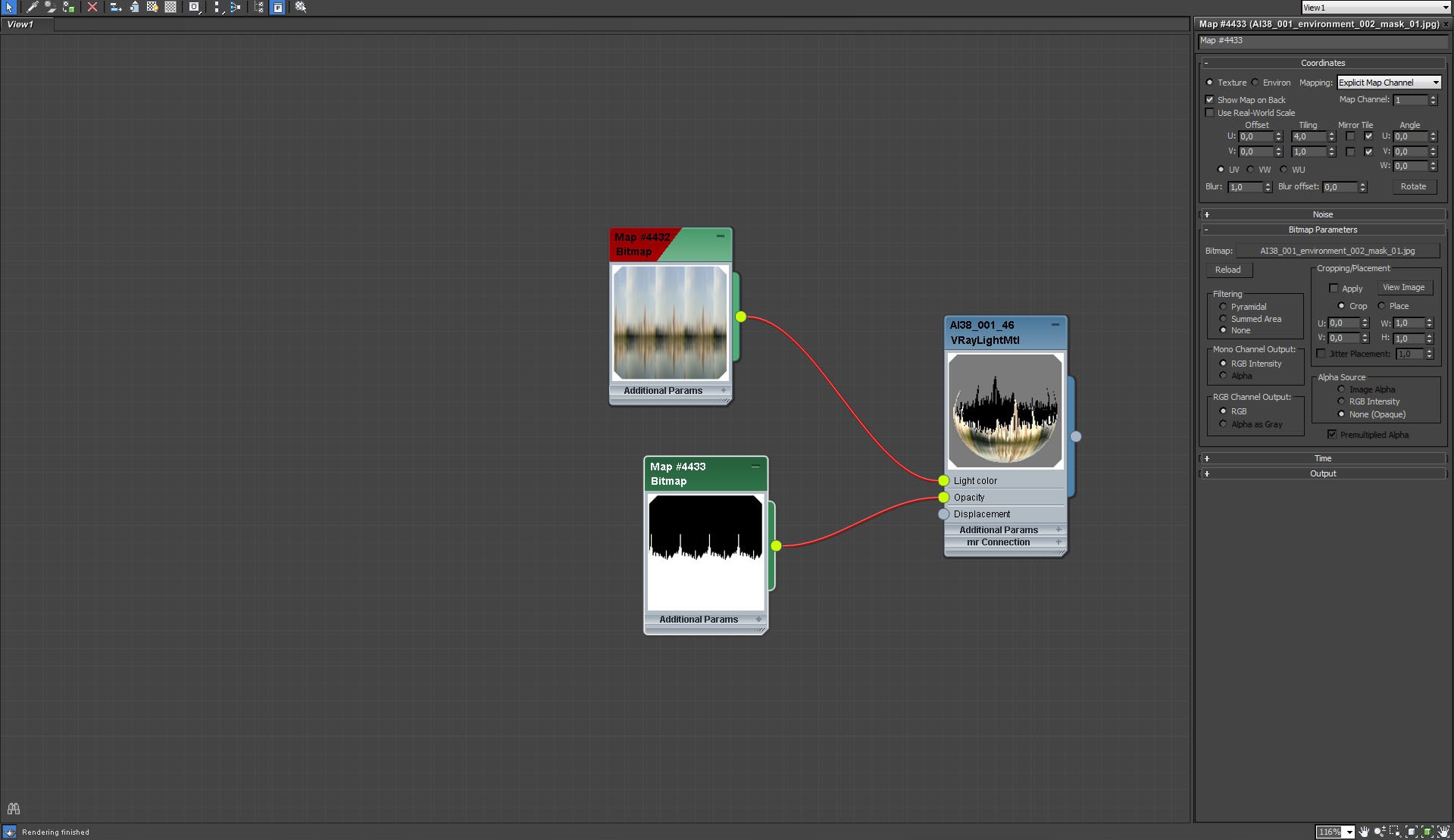
Outside map settings, continued (2)
Click on image to enlarge 
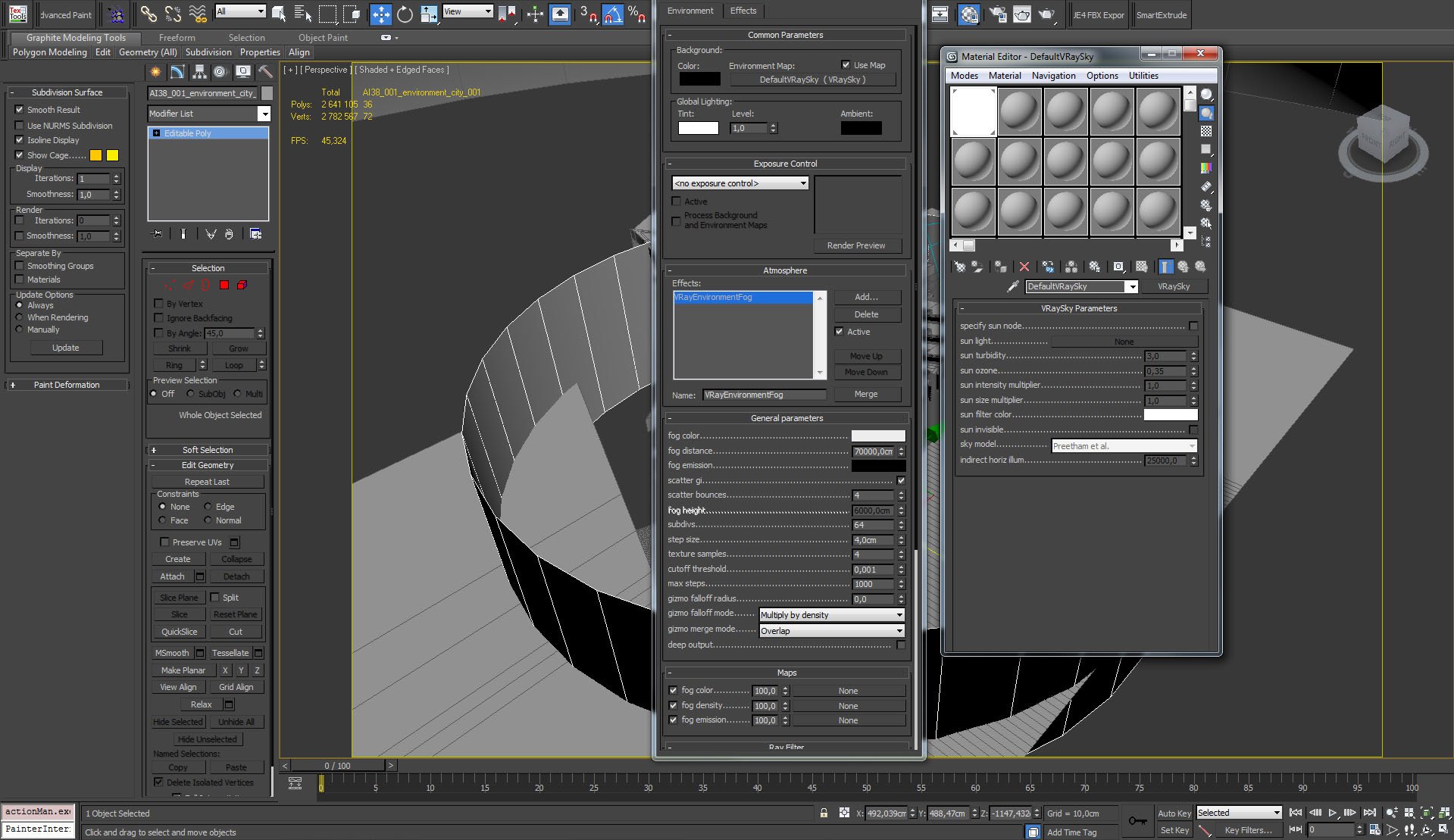
We used also Vray sky and Environment fog to simulate atmosphere.
Click on image to enlarge 
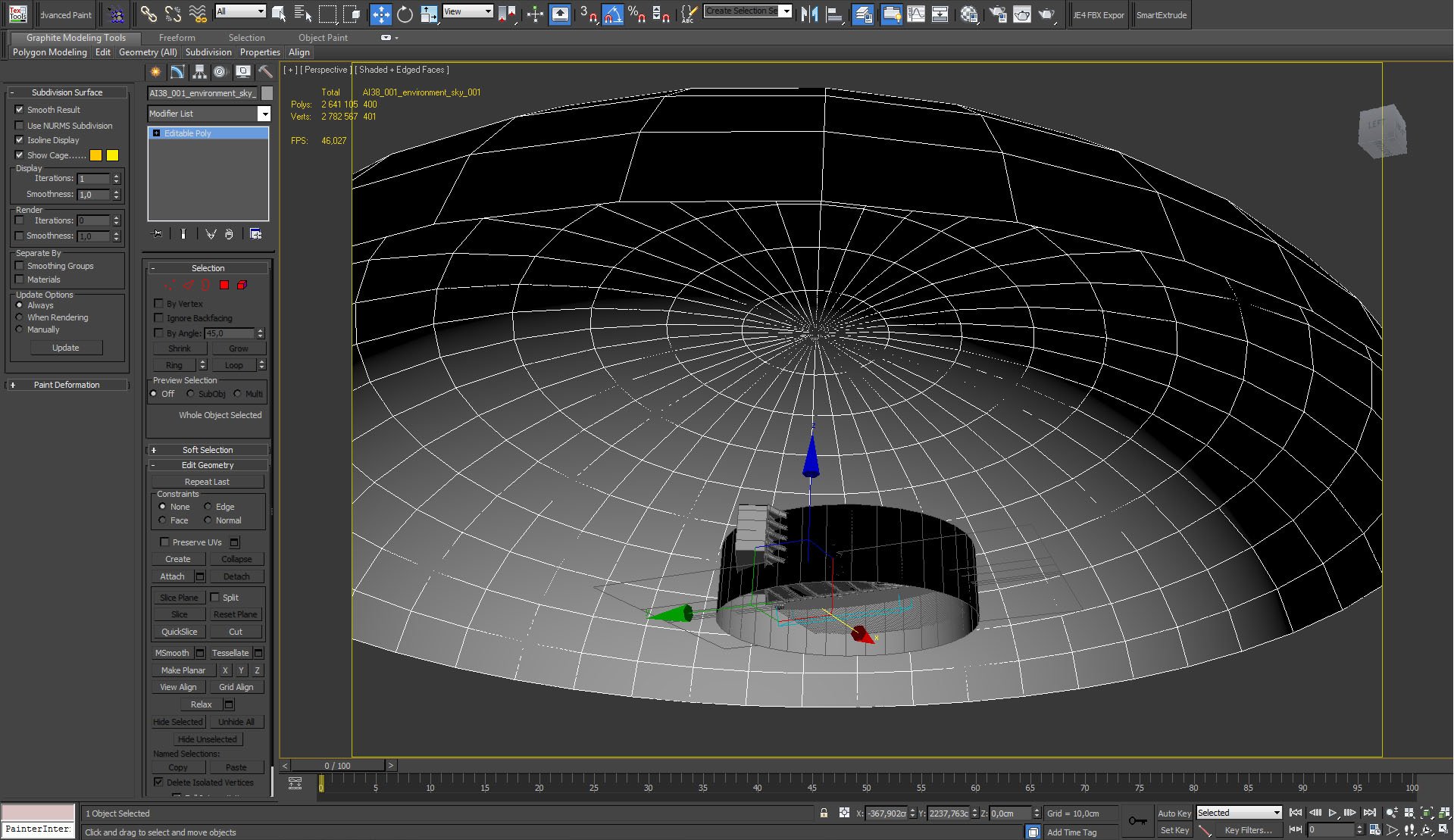
Above all we placed a dome with Vray Override material.
Click on image to enlarge 
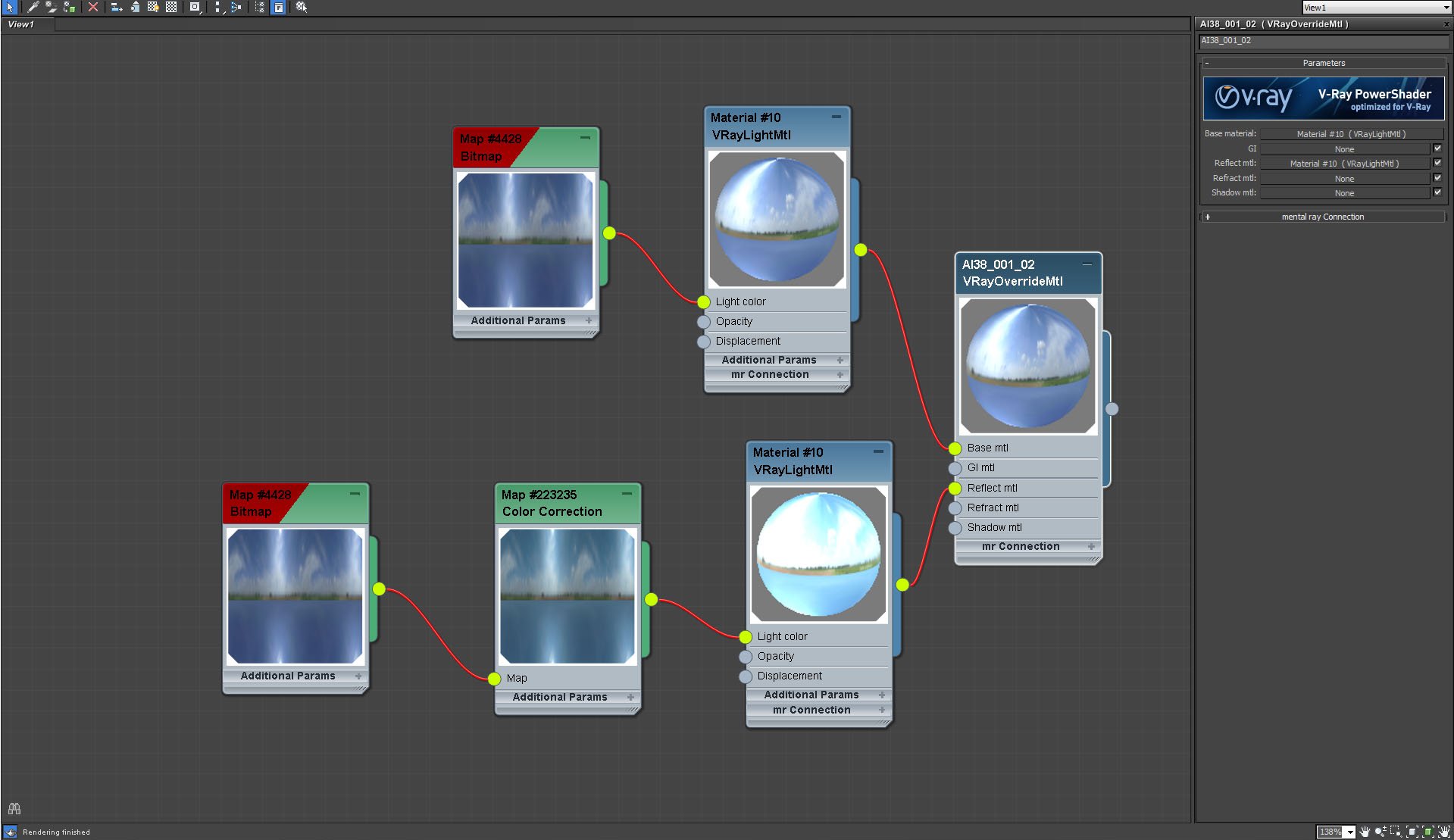
Dome material settings. As you can see we used sky bitmap for diffuse and another "cranked" version to enhance reflections. We could use HDRi instead, but this method (bitmap in two versions and override material) is less noisy for interiors.
Click on image to enlarge 
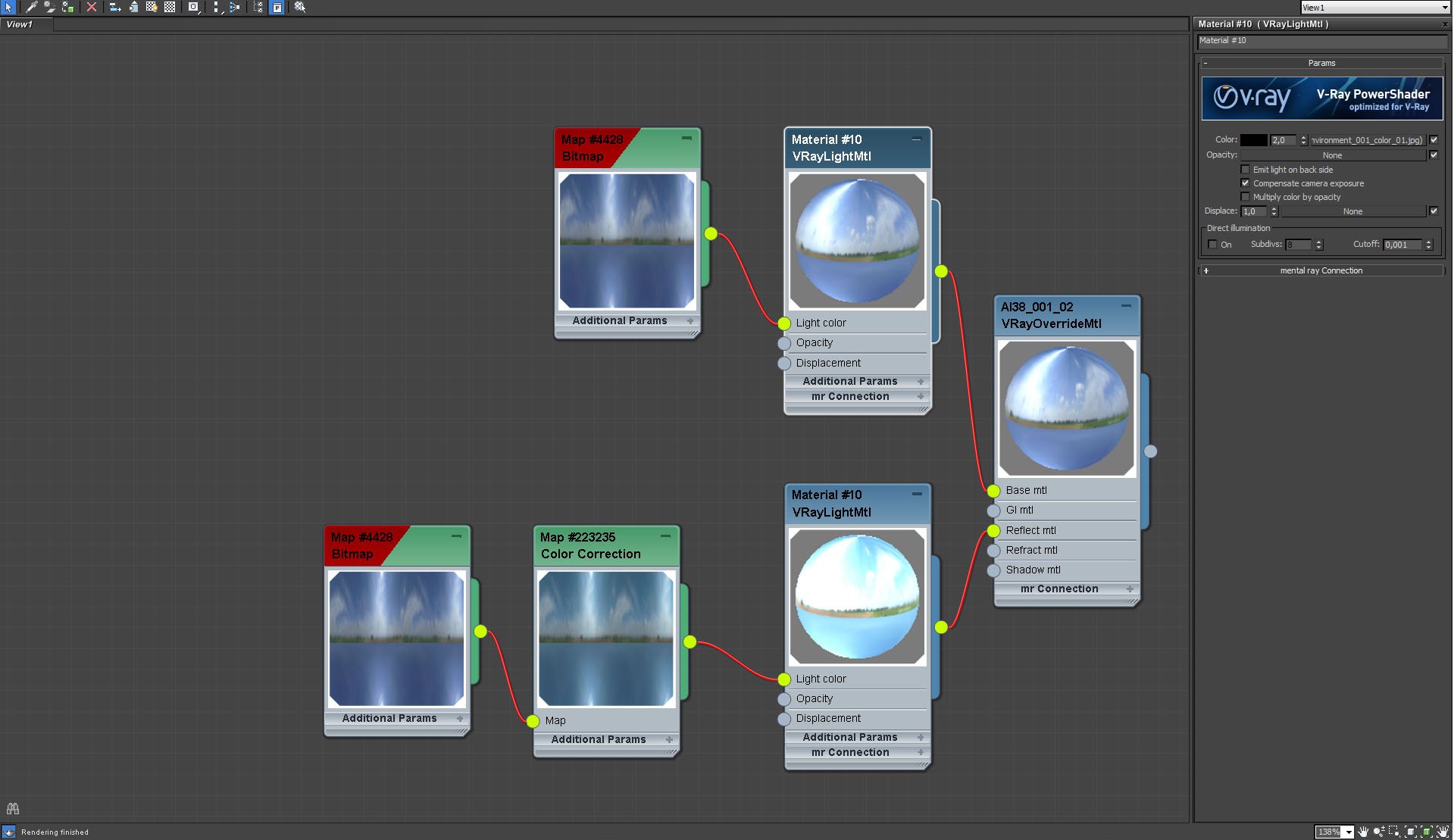
Dome material settings, continued
Click on image to enlarge 
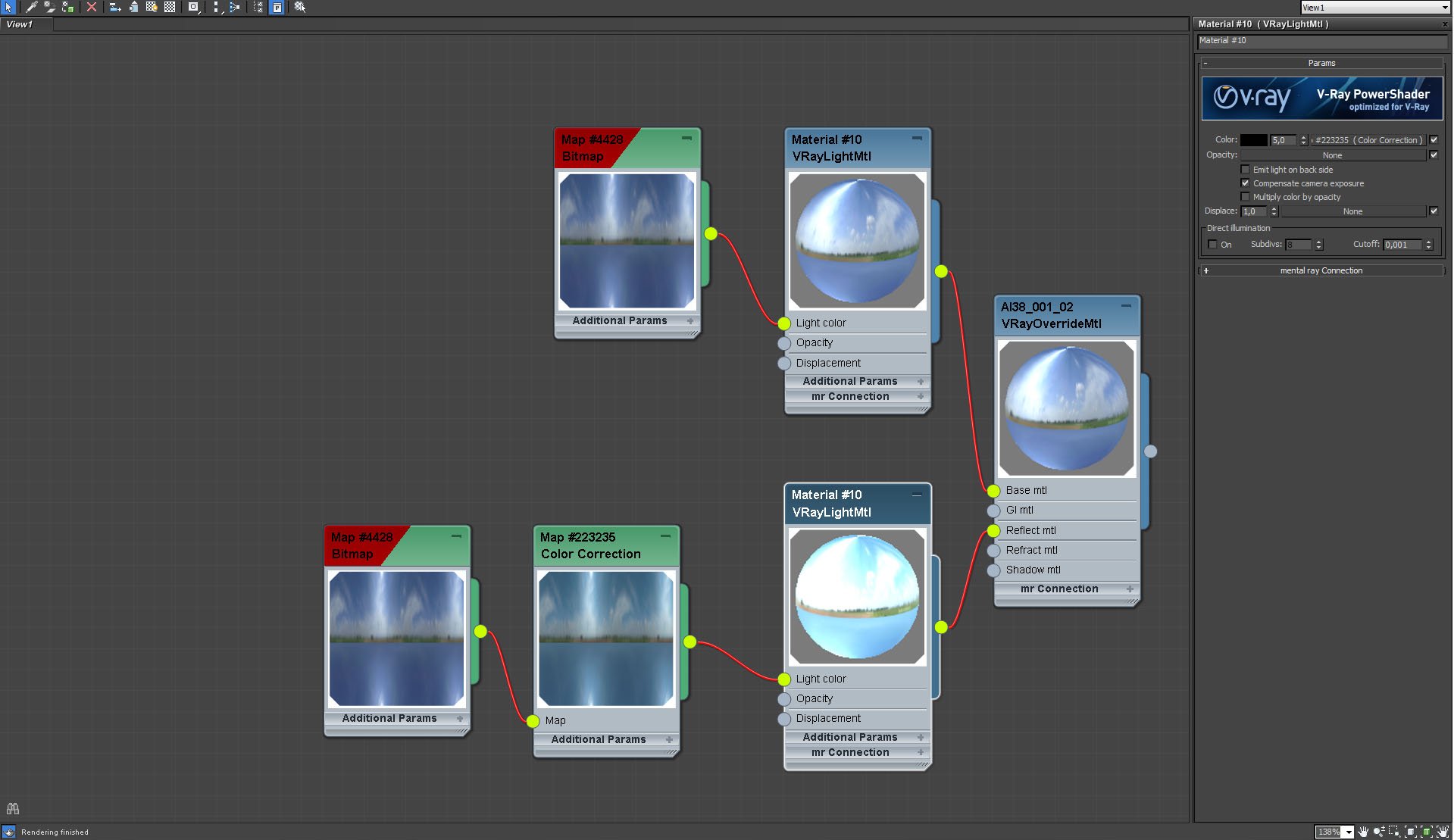
Dome material settings, continued
Click on image to enlarge 
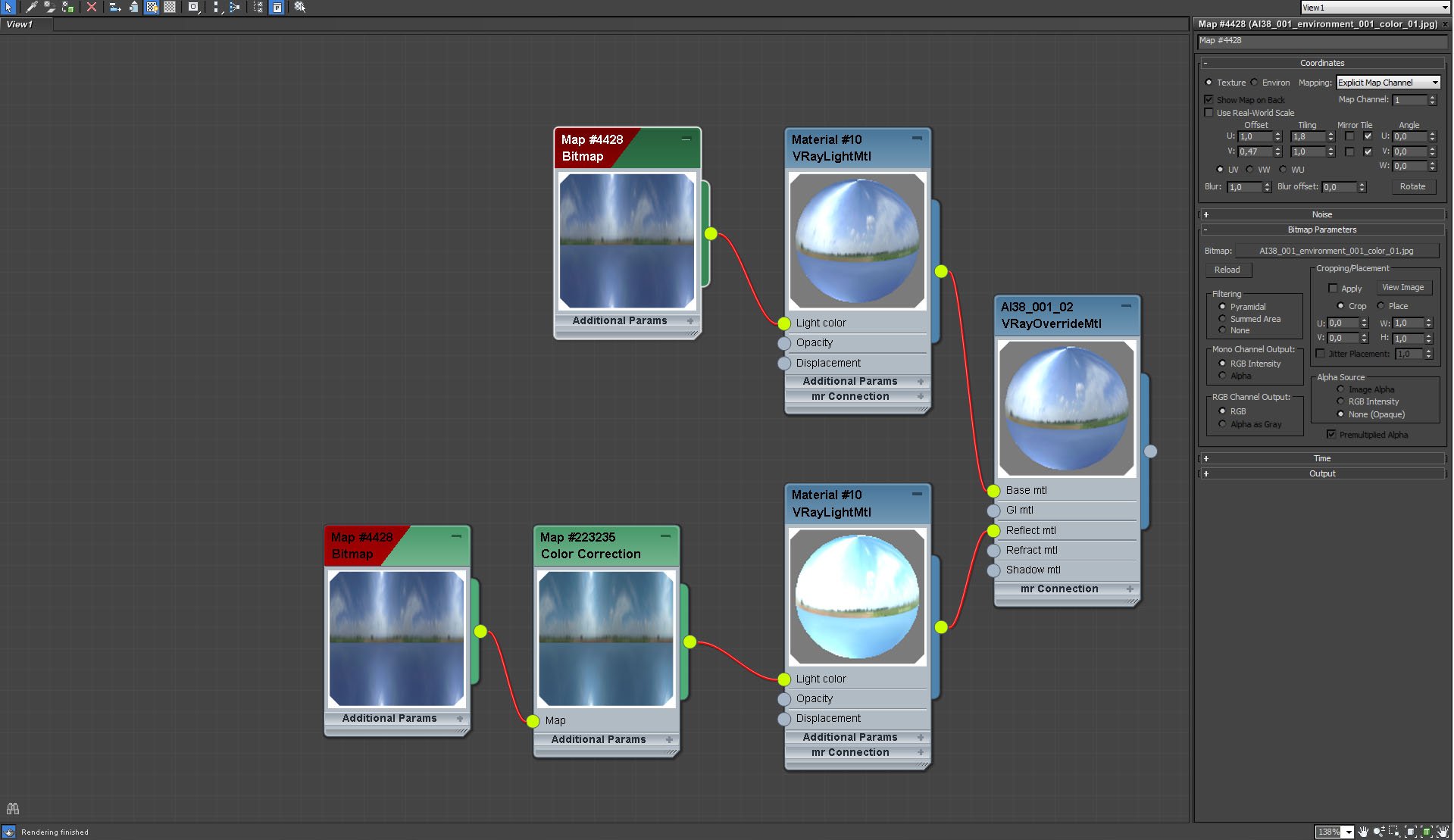
Dome material settings, continued
Click on image to enlarge 
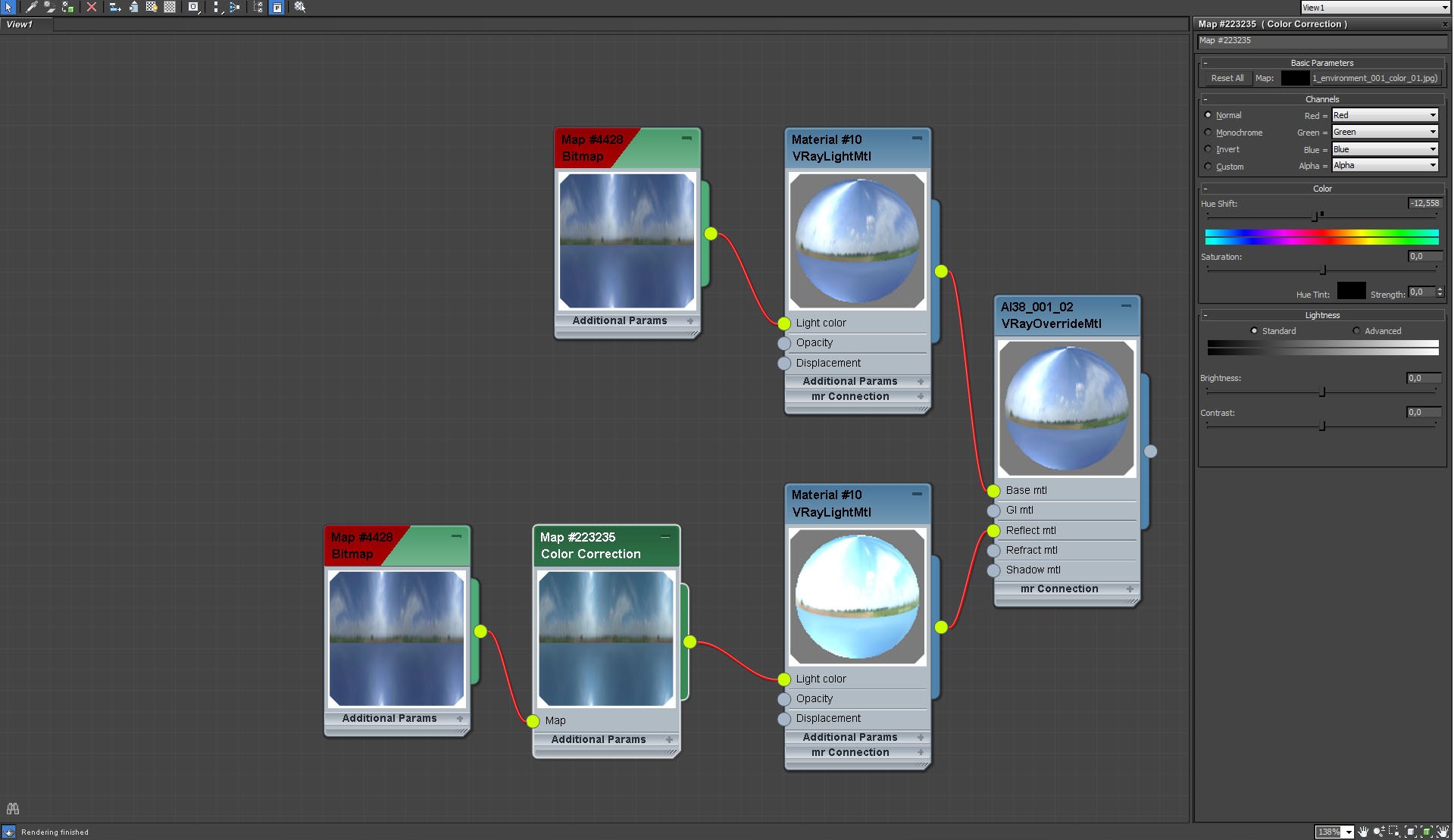
Dome material settings, continued
Click on image to enlarge 
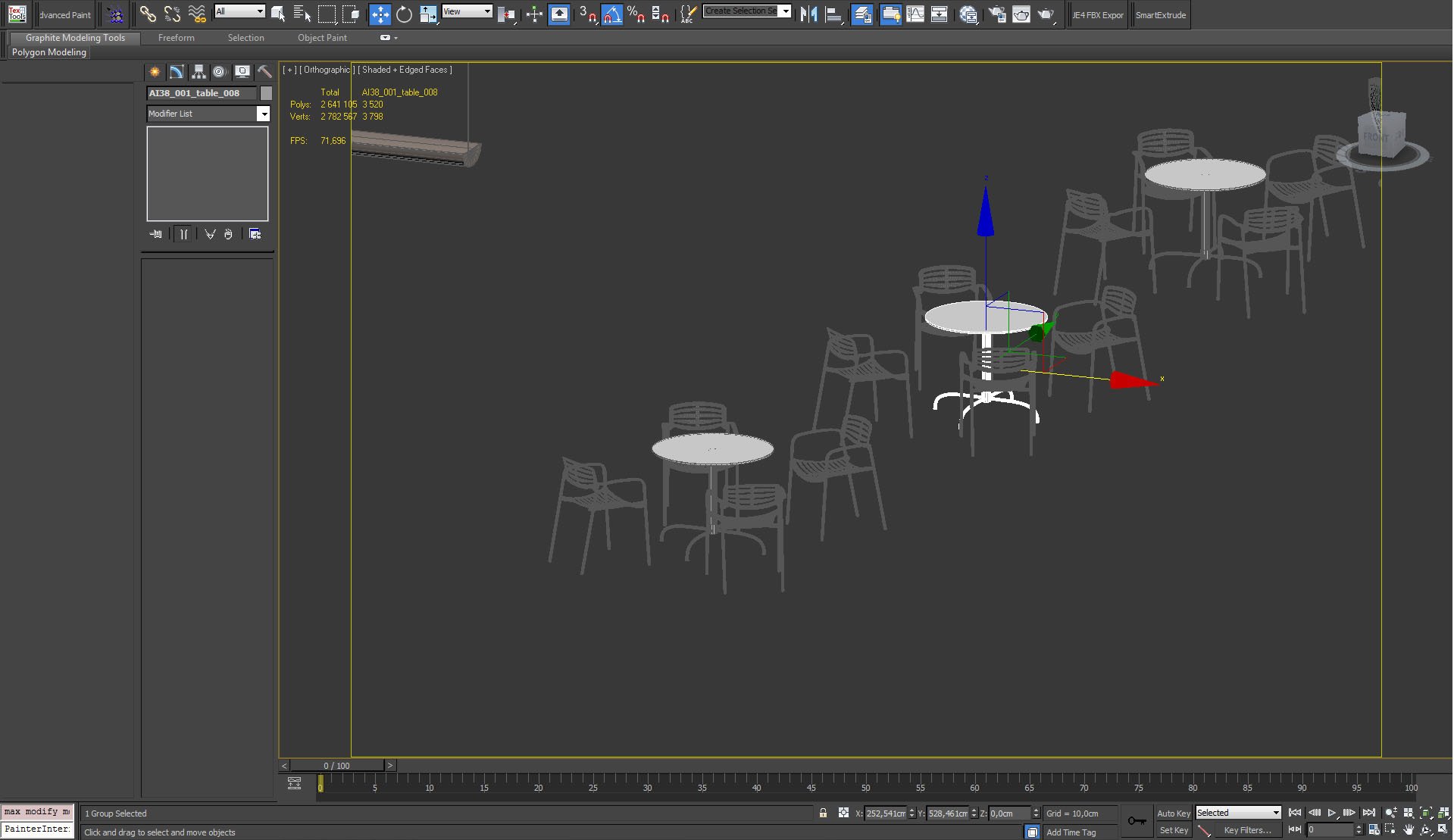
Additional elements - chairs and tables
Click on image to enlarge 
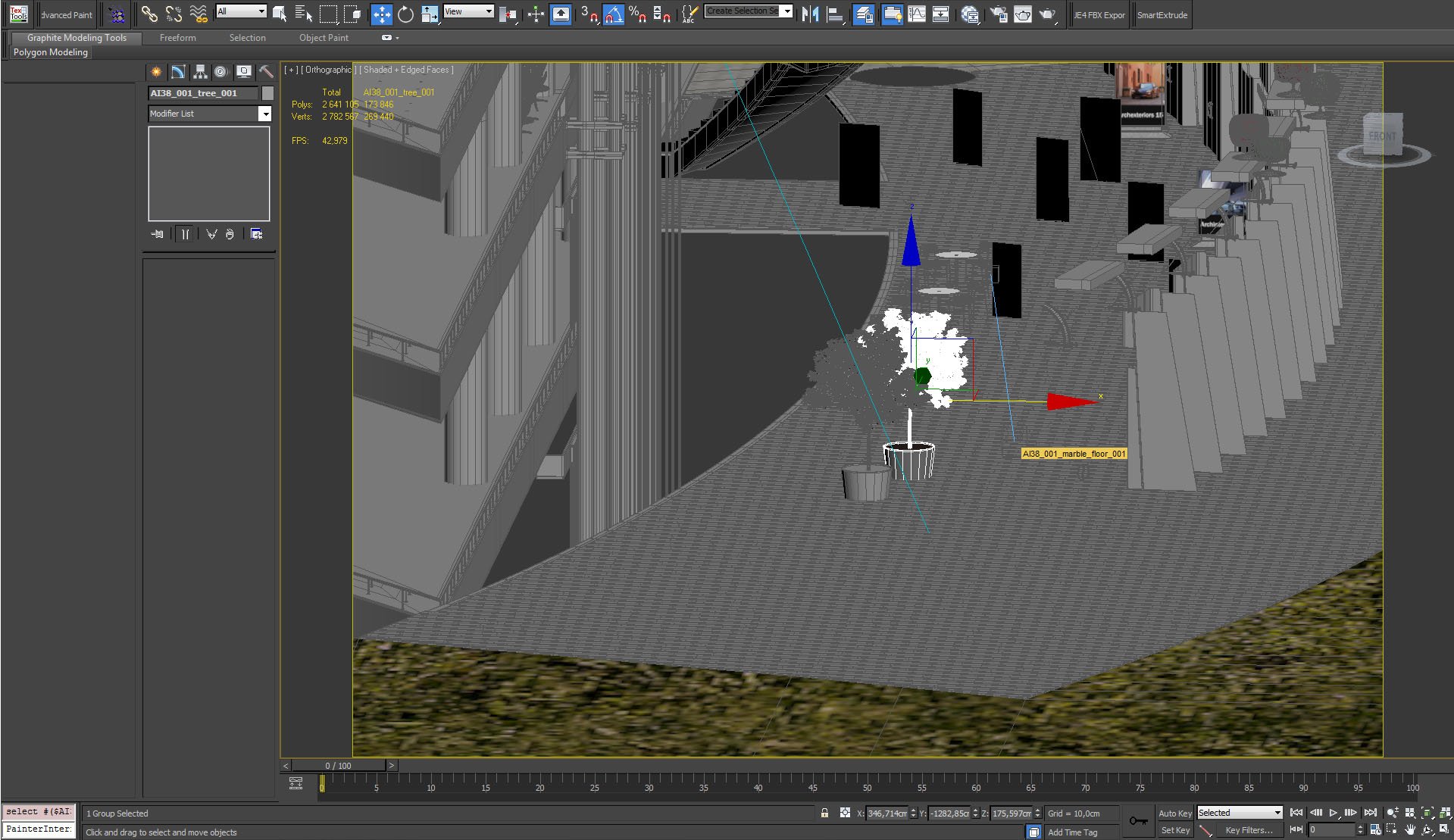
Trees imported from Archmodels vol. 36.
Click on image to enlarge 
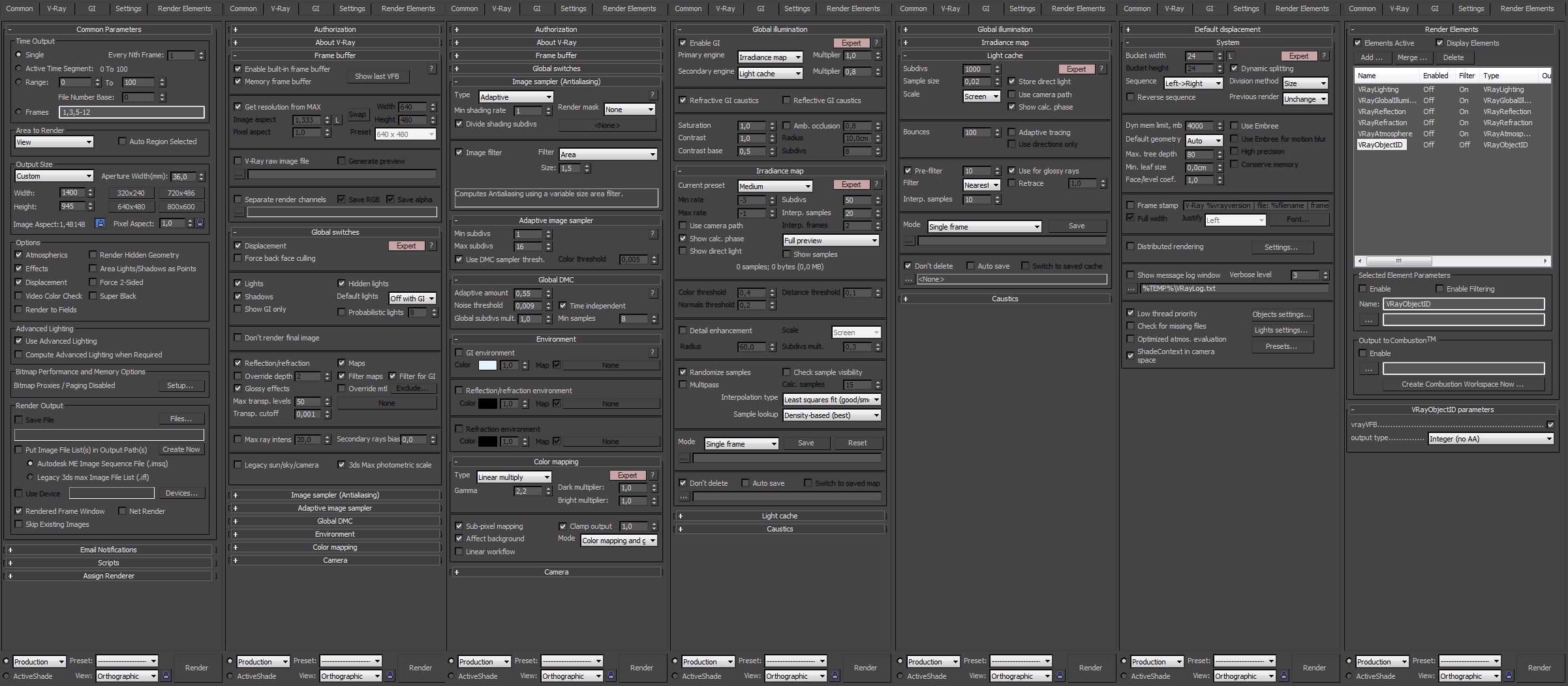
Render settings
Click on image to enlarge 
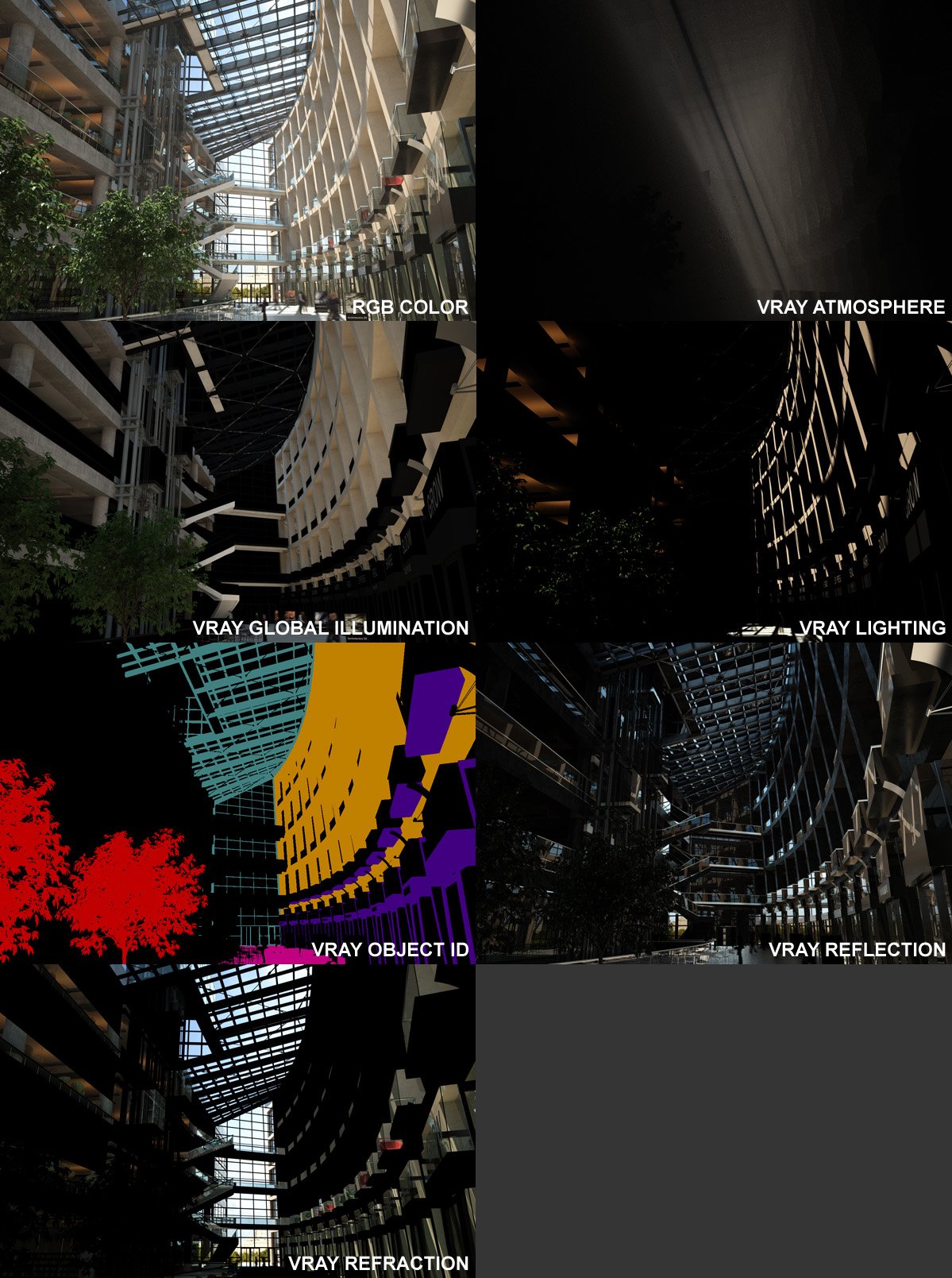
Passes
Click on image to enlarge 
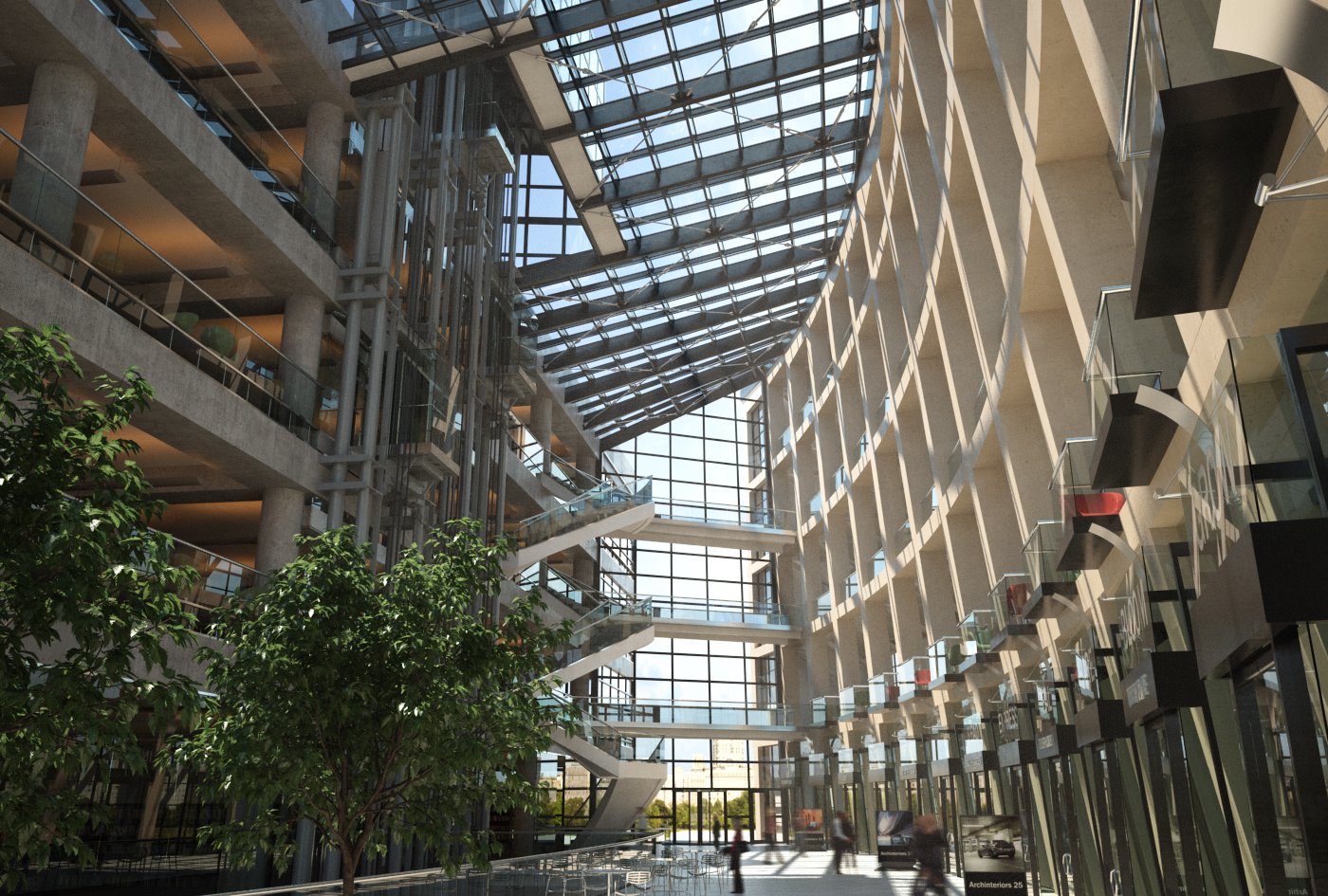
Raw render
Click on image to enlarge 
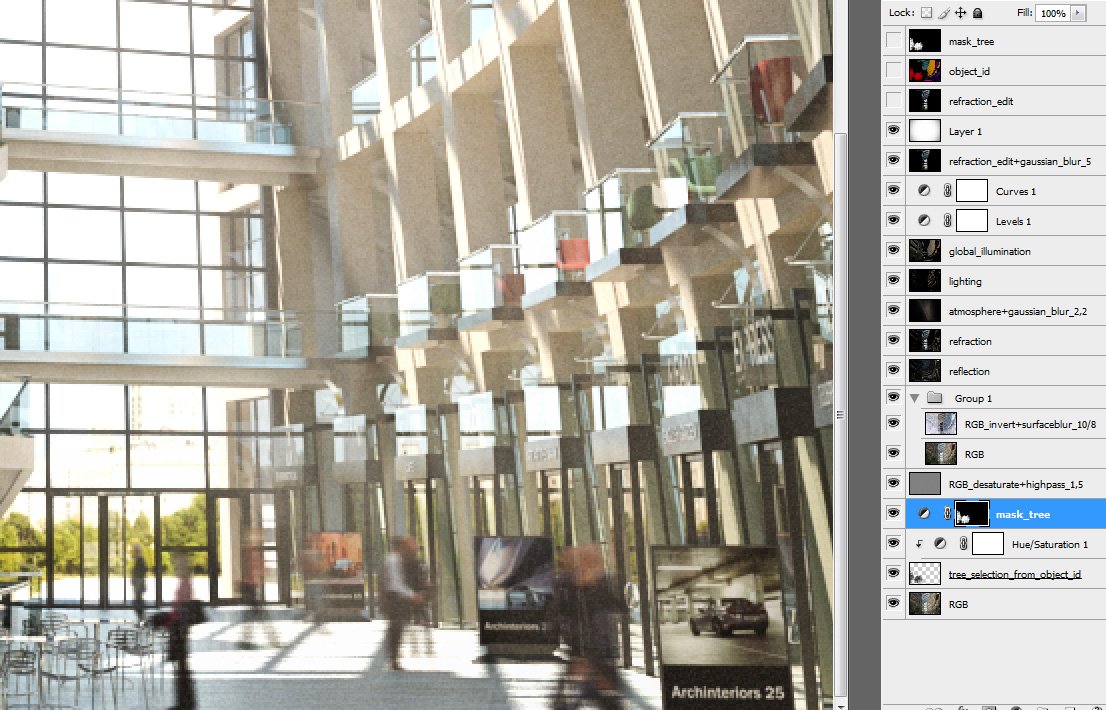
Photoshop stack
Click on image to enlarge
Final image after post-production in Photoshop
Langganan:
Komentar (Atom)